


I'm always in search of more efficient ways to manage my home lab, whether that's a new dashboard or automation tools. I'll be real, it's driven by laziness, because the less time I spend on admin tasks, the more time I get to play with the new features or software I'm interested in. That's to say nothing of the mental effort and cost associated with learning the new control surface for each piece of hardware and switching between them in practice.
I've also gotten heavily into AI automation lately, with Claude doing the heavy lifting for me, connected to my home lab devices via MCP servers. Now, instead of loading up the web UI for Proxmox, Synology's DSM, or Technitium, I can ask Claude to read the system's current state and handle tasks for me. It's not a replacement; it's more of a complementary control layer for high-context, low-frequency tasks that you don't already have a script for.
Controlling Proxmox with Claude was a good start
But it made me realize I wasn't thinking big enough


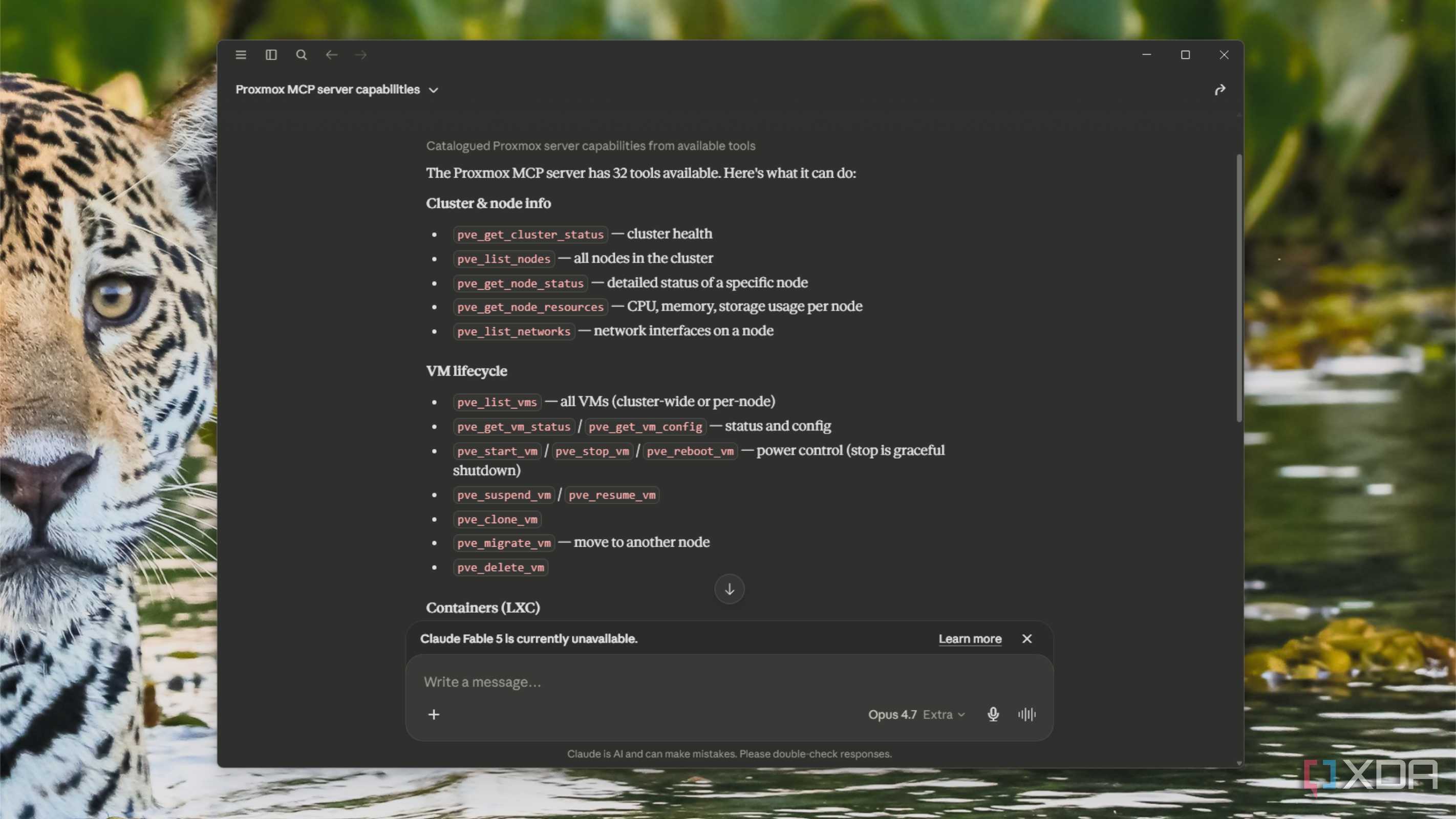
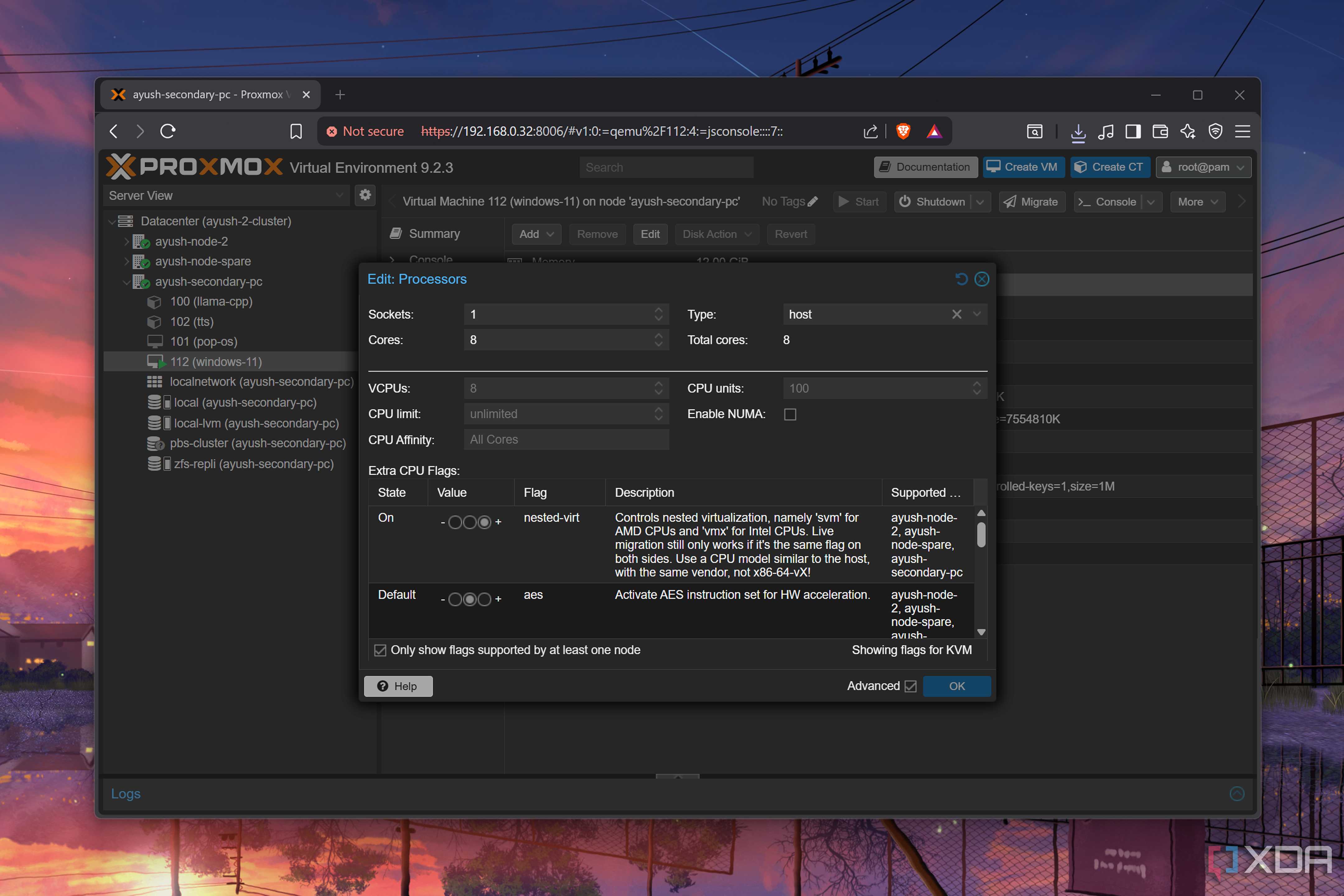
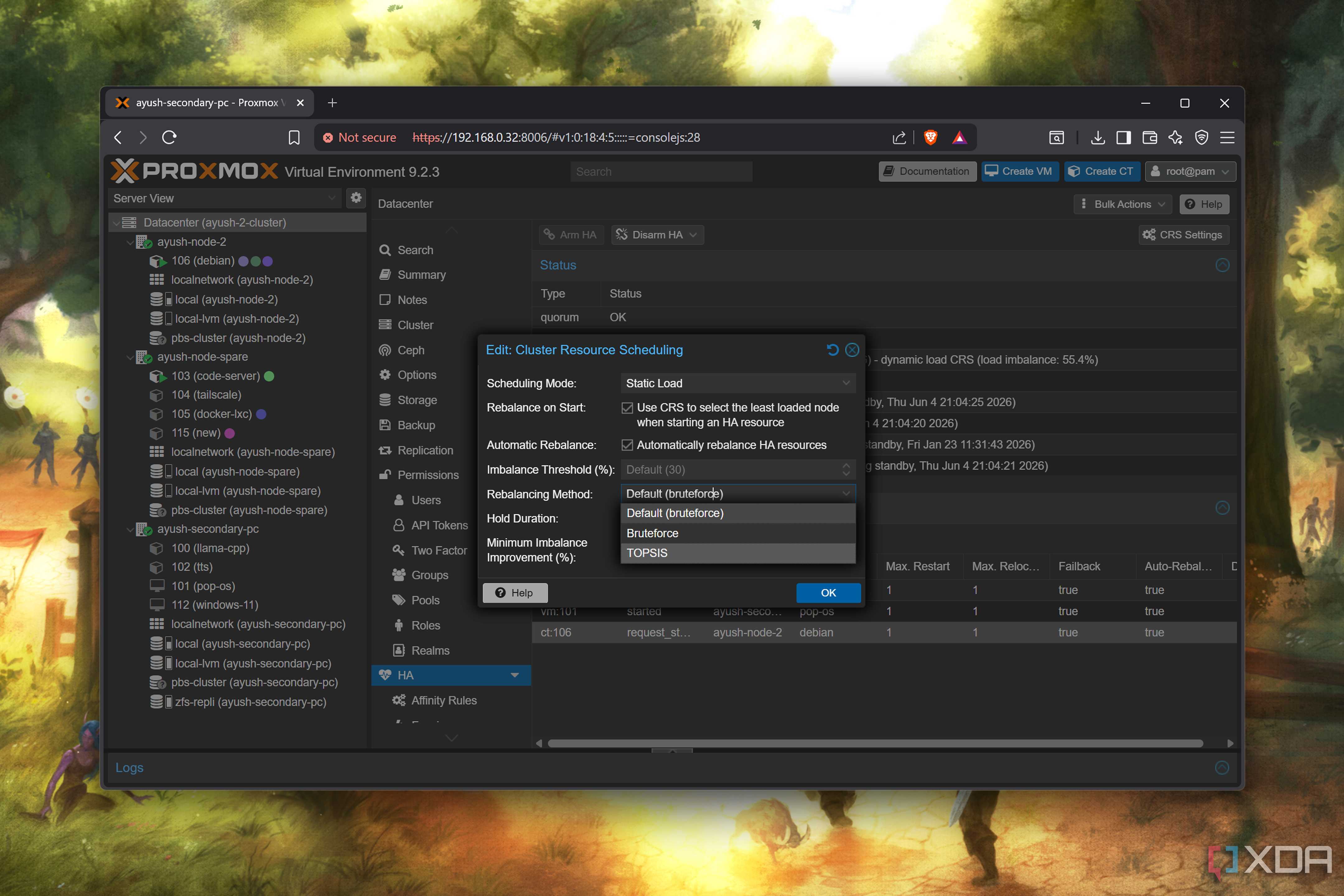
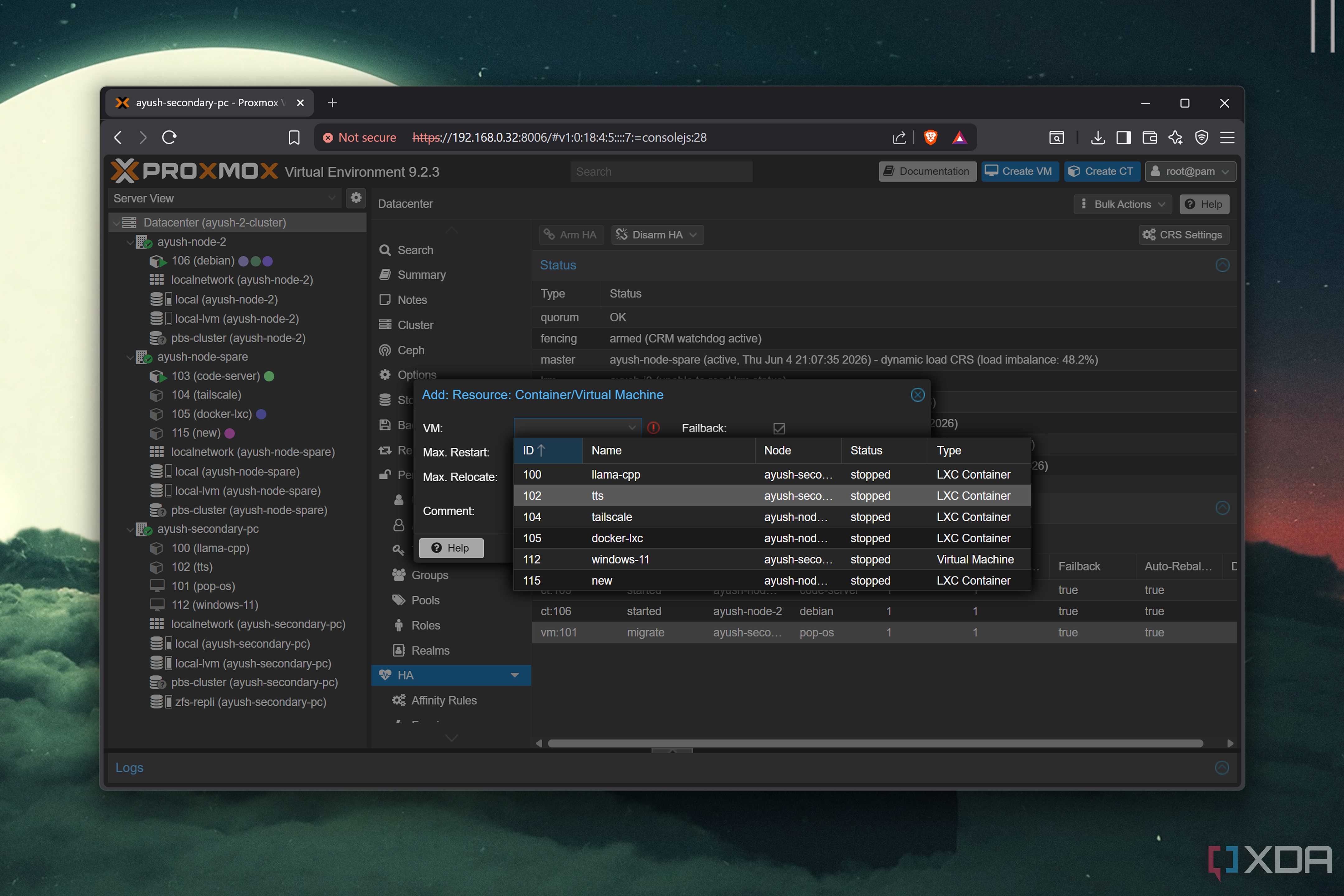
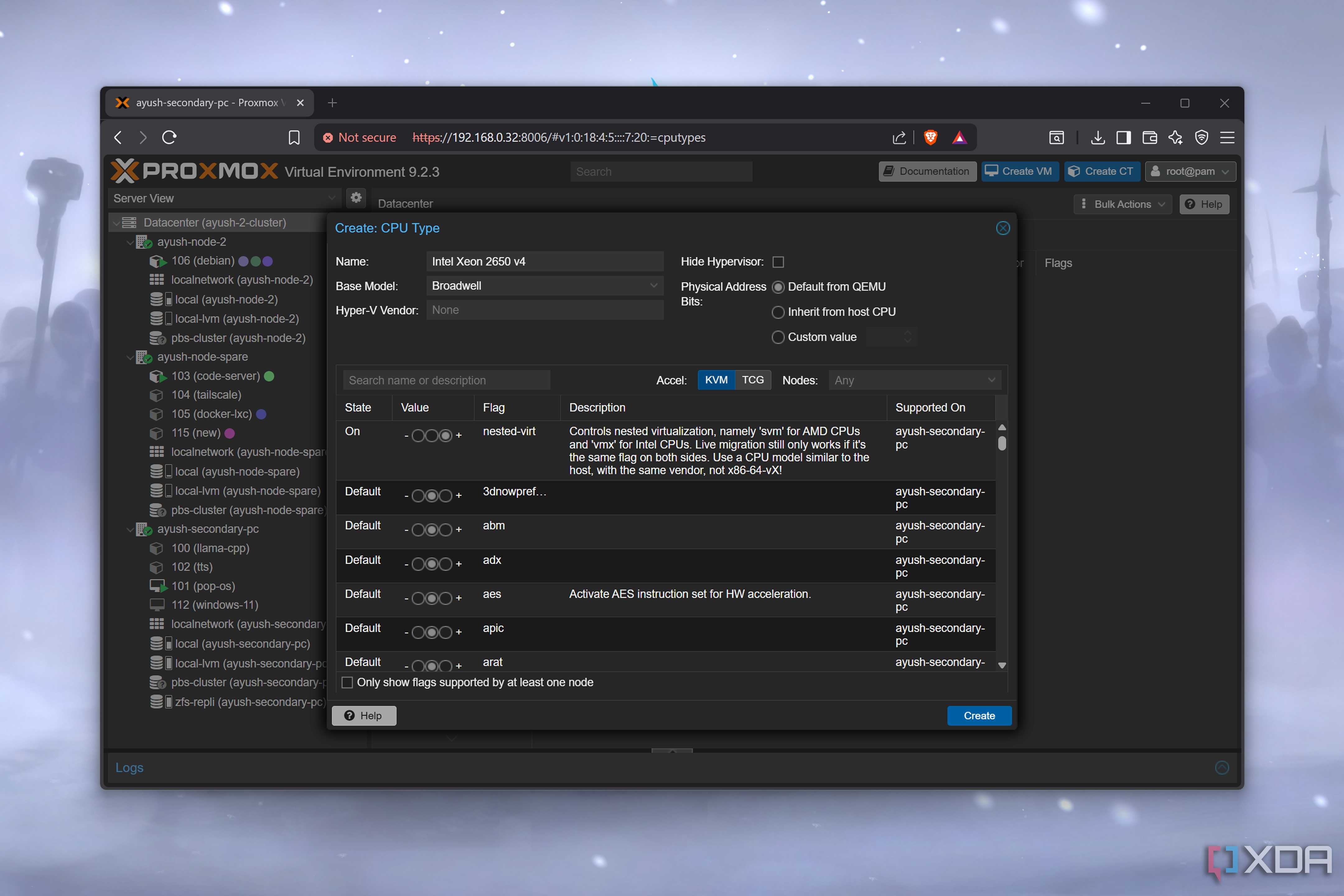
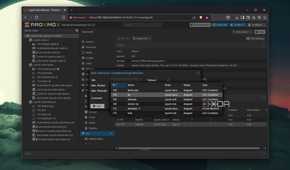
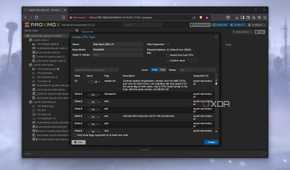
The first MCP server I added was one for Proxmox, which exposes the cluster API as a set of named operations. I expected to use VM controls more than any of the others, but it's been the reverse. The ones I use are analytical, like asking "which VMs haven't been snapshotted in the last week." That's a pain to check manually, but it takes the MCP no time at all. Sure, I verify this afterward, but it reduces the overall time required.
The other one that I use often is migrating VMs to another host machine in the cluster. "Can I safely migrate VM 104 from pve1 to pve2?" makes Claude pull all the relevant data for consideration, checks if the destination node can handle it, then answers my question. If yes, all I need is to confirm the migration, and Claude will handle it. I'll also point out that I have my NAS connected via MCP, so if I have external storage connected to the VMs, that also gets factored in.
The last part I've been exploring is the Terraform generator, which will turn existing VMs into IaC instruction sets, so I can easily recreate complicated setups. This is fantastic, and it lets me focus on the fun parts while having a safety net in case I break something.

Synology was the next MCP on the list
Every time I can reduce a dashboard from the stack is good to me

While Proxmox can be set up to do almost anything, my Synology NAS has the most versatility via MCP. It can handle file operations, Download Station, Container Manager, user and group management, NFS configuration, and all the health-monitoring tasks that I could ever need.
I rarely look at the monitoring stats inside Synology DSM, partly because the NAS is right behind my chair and I can tell when it's doing things. If it's quiet, I worry. But with the MCP server removing friction from checking on disk health or other tasks, I find I reach for it all the time. I'll use it as a check before changing storage options and as a sanity check after making any changes to ensure it worked.
My system also runs a few containers that I don't want on my test machines, such as Home Assistant. Container Manager is one of my least favorite parts of DSM, but I rarely touch it now. The MCP lets me ask things like "show me containers using more than 200MB of memory, and tell me what they're doing," combining multiple tasks into one command. And it's just as easy to start, stop, or update containers.
I love NFS export management through MCP because it takes me out of the equation. I often miss essential checkboxes when configuring client access permissions, but that's not something Claude will do, and I can describe my intent and get shares correctly managed as a result. I am slightly concerned that the MCP server can perform any file operations, including delete. The only thing I let the MCP do is create folders, because I'm always worried that something will get deleted and the recycle bin won't save it somehow.
Managing my DNS server was the last piece
And my home lab integration was complete (for now)

The Technitium MCP server might be the narrowest in scope, but it's the most powerful lever I can put into my home lab. Everything is controlled by DNS at some point, and troubleshooting DNS issues is not my favorite task. Now, instead of SSH'ing into a device and scrolling through hours of logs, I can ask "Show me what kitchen-display resolved in the last hour," and I get an answer quickly.
I also run Technitium partly as a DNS sinkhole, using widely available blocklists as a starting point. There are always edge cases to manage, whether that's a site you need temporary access to, a service that was misclassified, or a new device on my network sending out traffic to hosts I don't recognize. The MCP server lets me add or remove those single sites with a sentence, with the identify, policy decision, apply, and verify stages all coming from one task.
The only parts of my Technitium server that Claude can't touch are DNSSEC, DS records, and zone signing. It can read those to advise me on what to change, but it's not allowed to write any of those settings. They're too volatile (even when I touch them).
Now, when I add new home lab devices, I look for their associated MCP server
My new network stack isn't fully wired in yet, but I've already got an Ubiquiti MCP server set up and ready. It's not that I don't want to learn the new UI, because I do. But having an AI to assist while I'm learning means I can ask about things I don't understand or when I'm unsure which best practices I should implement.
The win for me isn't being able to spin up VMs by asking; it's that I can spend all my mental energy on design, not implementation. The LLM model connected to the MCP servers handles context and memory for me, as if I've got a lab assistant. I can ask about the VM, then the DNS records for that resource, and if it has a share on the NAS, all in the same breath and from the same interface, without clicking through three other dashboards. I still use the individual UI's for deeper tasks, but for questions that span more than one, it's much quicker to ask Claude.
