


The more I get into self-hosting apps, the more I worry about things like uptime, and server health, and everything that comes with being a sysadmin. My home lab has grown over the years, with several servers now humming along with Proxmox loaded with LXCs and VMs, and a big network rack to have even more fun with concepts.
But I'm just one person, and inherently lazy, so I'm always looking for simpler ways to handle the administration in my lab. Moving to Proxmox was part of this, because of the inherent data security of ZFS, and the ecosystem around backups that Proxmox has built. But I've tried so many dashboards to manage my other containers and hosted services and they all miss some crucial things.
The biggest is that they're either good at managing containers, or servers, but rarely both. I've been testing out WolfStack over the last week, and I think it's the closest thing I've found to being able to manage all my resources from one place.
What is WolfStack, and why would I use it?
Put all your server resources in one place for visibility

The modern home lab is a mix of containers, appliances, VMs, and bare metal, connected by whatever flavor of software-defined networking is in vogue that month. At least mine is, and I don't think I'm that atypical. WolfStack slides on top of that mix of stacks and gives you insights, metrics, and management tools that I have never seen all in one place.
Some of the things you can do with WolfStack are:
- Start and stop apps
- Create containers and virtual machines
- Take backups
- Watch for issues
- Open a terminal to SSH into appliances
- Schedule tasks
But it's so much more. Pick any container type you can name and there's a tab to manage them. Share USB resources across your cluster, or dive into logs of any one device. Make storage arrays and share them as Samba or Ceph, set up clustered databases, handle container orchestration, backups, and your TrueNAS machines.
Sure, none of these are novel ideas but nowhere else has them all on one dashboard, with an easy to read UI. And hardly anybody writes onboarding experiences for their software, while this tool walks you through all the concepts and setup.

Installation was a breeze
One script does the heavy lifting for you

Like so many home lab resources these days, WolfStack starts with a single curl call to pull the installation script. This will work on Debian/Ubuntu, RHEL/Fedora, Arch, Arm64/Raspberry Pi, and OpenSUSE, and on Proxmox VE, and the installer will check which distro you are using and adjust accordingly.
curl -sSL https://raw.githubusercontent.com/wolfsoftwaresystemsltd/WolfStack/master/setup.sh | sudo bashThen it downloads the prebuilt binary for that distro, installs all runtime dependencies, and installs WolfNet, the encrypted mesh network that it uses to communicate between your servers and services. Think of it as a mini Tailscale for your management layer.
It'll also set up the web UI and configuration directory, adds itself to systemd for auto-start on boot, and generate TLS certificates. That last one surprised me, as I'm so used to having janky self-signed certs or none at all, that I really appreciate it when the tool does it for me. It's just cleaner and a better security posture than leaving it in the hands of the user, who often forgets or doesn't think it's important for inside the home network.
I've got it installed on one server right now, but I could install it on every node in my home lab, then tell the WolfStack instances about each other. That sets up the encrypted mesh between them, and then they'll sync their data for high availability of your management pane.
WolfStack works on the infra you have, to control what you don't know
This is the home lab dashboard I've wanted all along


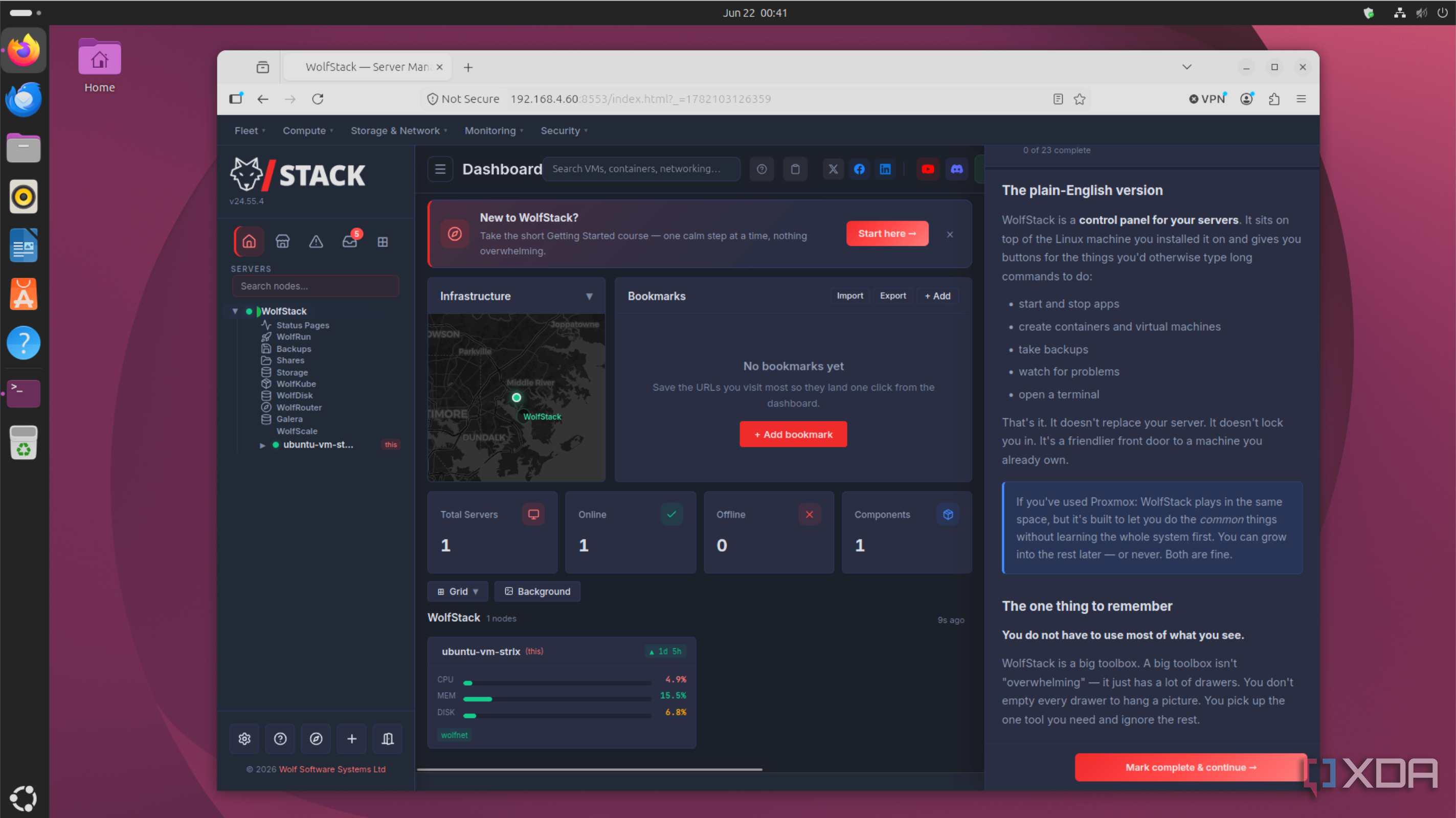
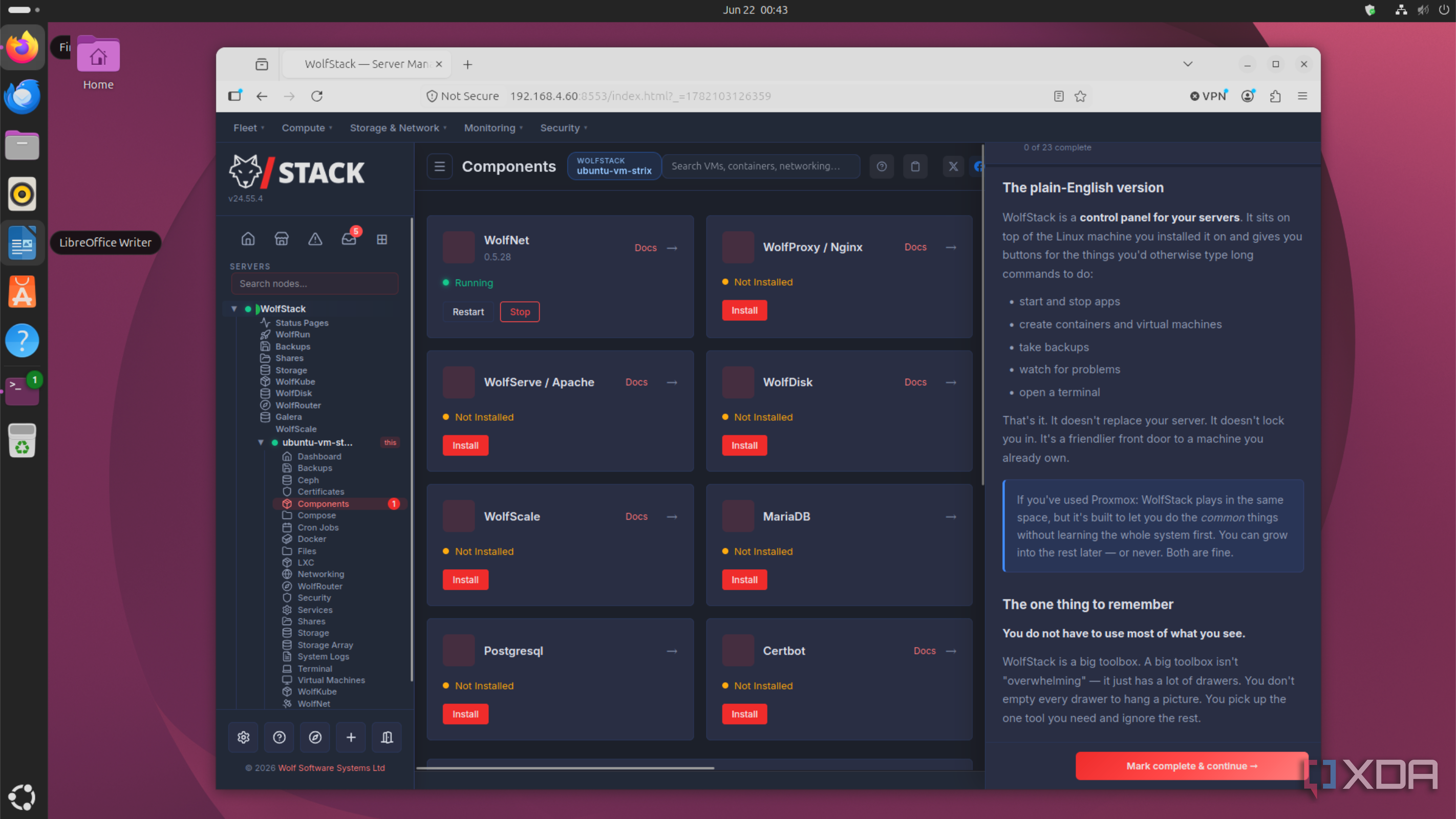
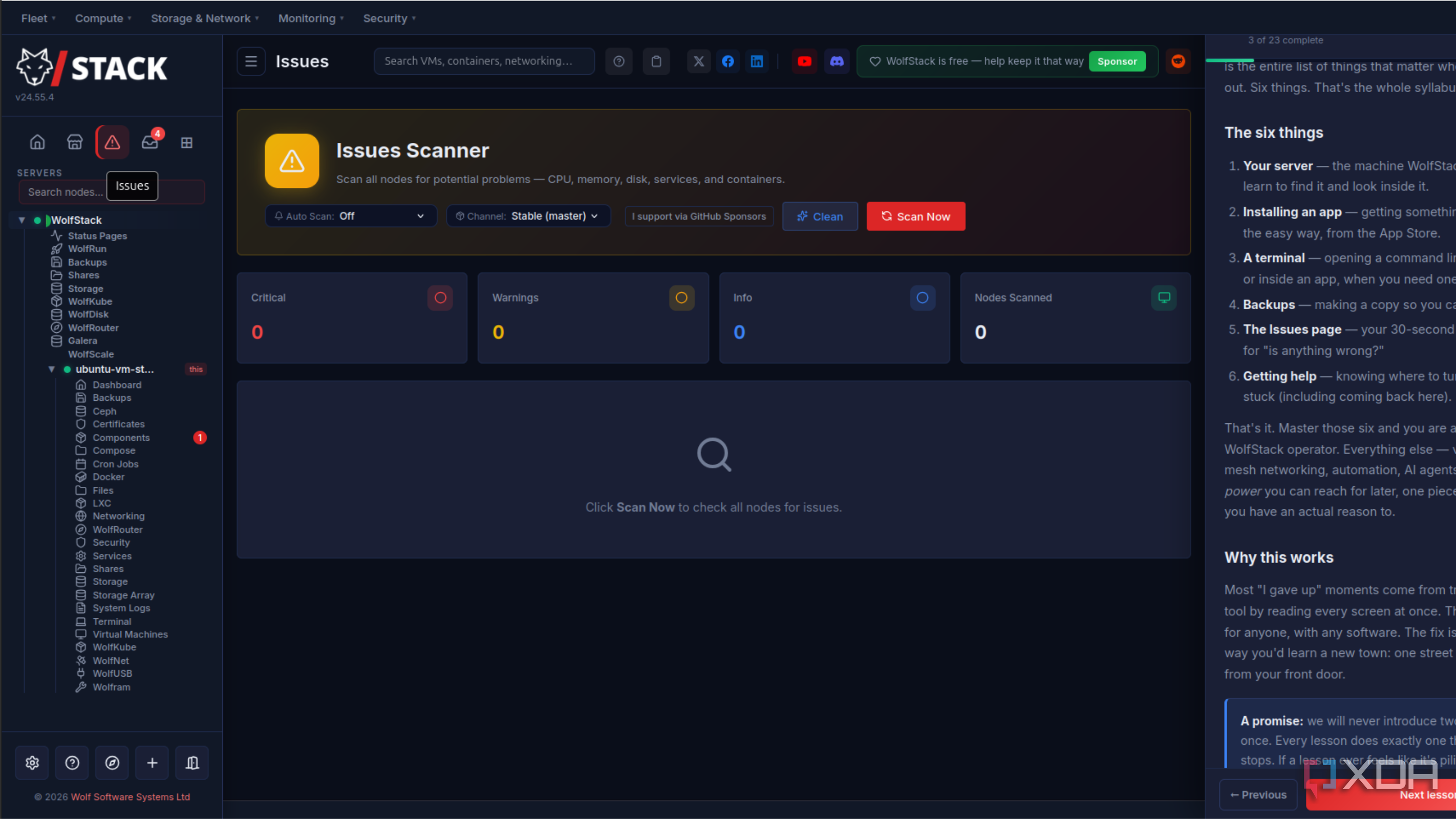
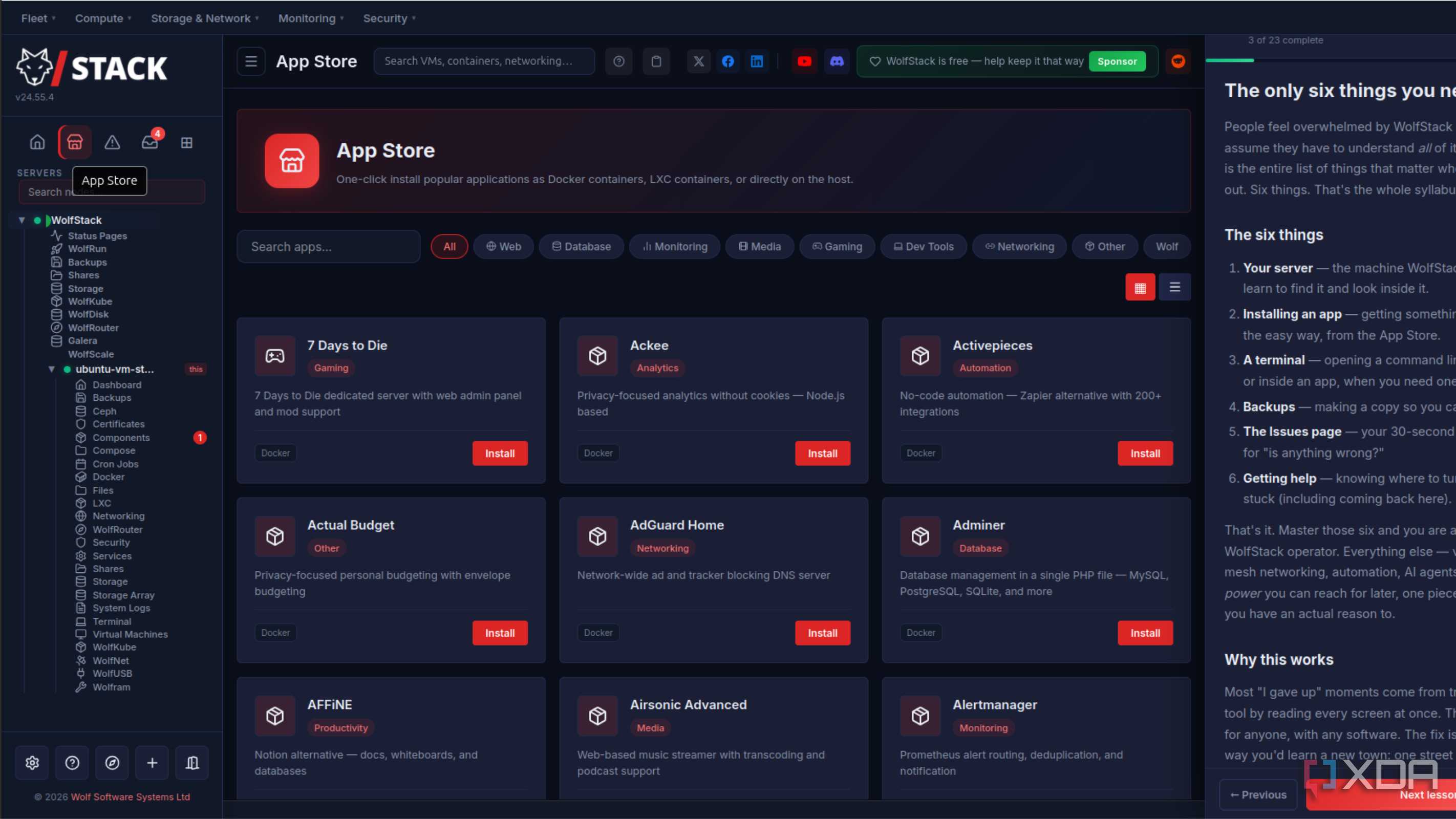
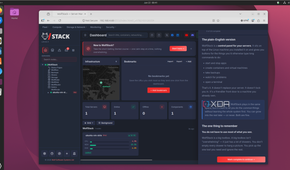
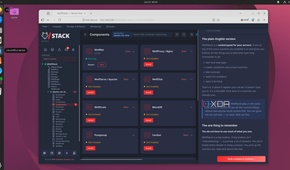
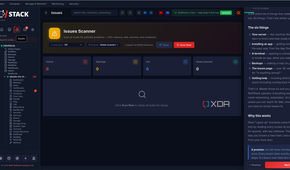
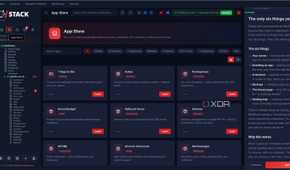
WolfStack isn't trying to replace your existing infrastructure, it's trying to make sense of it by putting every management tool at your disposal. It's designed to be clustered, with five systems working together to ensure data is synchronized safely. That's a Replication Engine, Peer Discovery, Load Balancer, Health Checker, and Conflict Resolver.
Now, most home labbers have set up at least one of those, and likely closer to all five. It's a necessary task for creating resilient infrastructure, and it takes forever normally. WolfStack did it all for me in five minutes, as part of the initial installation. That makes it perfect for getting up and running in the first place, or even if you're partway through your home lab journey.
I've been testing it in an Ubuntu VM on Proxmox, because I'm very picky about what scripts are run on the Proxmox CLI, and I wanted to check it out before I committed further. That's just good safety precautions for your data, especially when the tool is able to manage infrastructure.
And I've learned enough to know that it's not going anywhere for me. It reduces dashboard sprawl to a single one, handles the container creep with style, and gives me another layer to manage my Proxmox cluster from.
It's worth mentioning that there's a limit of three hosts on the free, community plan. Once you outgrow that, it's about $16 a month for ten hosts and a few other benefits. Is that worth it? For the number of hours a week that it'll save me? Yes, it is. That might not be your primary consideration, but it's always part of mine.
You even have a virtual network rack

Sure, there's a normal networking page for handling the virtual networking between your devices. But you also get WolfRouter, which is a cluster-wide firewall, DHCP, DNS, and router. It's like adding OPNsense to your management overlay, and the WolfRouter page shows you a virtual network rack with your devices on.
As someone who struggles with virtual networking sometimes when I can't picture the relationship in my head, this is an absolute game-changer. More home lab software should think about visual design like this, and it's so awesome. You even get animated network cables to show the flow of data between systems.
WolfStack is going to be a permanent addition to my home lab
I've only scratched the surface of what WolfStack can do, and it's going to keep me very busy for some time. So far I've not found a service that I couldn't add to it, and there are plenty of things that give viable expansion paths. And that's important. Your time in the home lab is precious, and if you have to migrate to new systems just as you've figured out the last ones, you're going to keep relearning the same concepts instead of taking in new things. That feels like busywork, not learning, and WolfStack will help to avoid that situation.
