Tech How-To

How to Add Fonts to Google Docs (and What You Can’t Do)
To add fonts to Google Docs, open the Font menu in the toolbar, click More fonts, search for a font, click it, and press OK. The font is saved to…

How to Use Downloaded Fonts: Unzip, Install and Troubleshoot
Here is how to use downloaded fonts: unzip the folder, install the .ttf or .otf file on your computer, close and reopen your app, and then choose the font by…
How to Install Fonts on Mac With Font Book (Step by Step)
To install fonts on a Mac, double-click the font file and click Install Font in the preview window that opens. Font Book, the app built into macOS, adds it to…
How to Add Fonts to Canva: Library, Search and Brand Kit
To add fonts to Canva, you usually do not need to add anything: click a text box, open the font menu in the top toolbar, and search the built-in library…
How to Install Fonts on Windows 10 and 11 (Step by Step)
To install fonts on Windows, unzip the download, right-click the .ttf or .otf file, and choose Install. The font is then available in Word, Photoshop, Canva's desktop app, and most…
How to Add Fonts to Word on Windows and Mac (and Embed Them)
To add fonts to Word, install the font on your computer, close Word completely, and reopen it. The new font then appears in the font list on the Home tab.…

How to Find Fonts for Bio: Instagram, TikTok and X Steps
To find fonts for your bio, write the bio in plain text first, then decide how much of it needs a style, and pick a Unicode text style that stays…
How to Add Fonts to Photoshop on Windows and Mac
Here is how to add fonts to Photoshop: install the font on your computer (right-click and Install on Windows, double-click and Install Font on Mac), then restart Photoshop and pick…
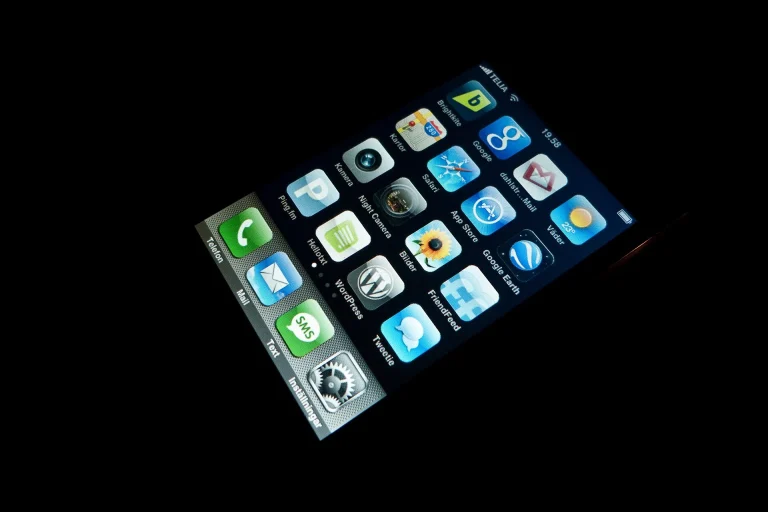
How to Change Font Size on iPhone (Make Text Bigger)
Need bigger text? Here is how to change font size on iPhone for all apps or just one, using Text Size, Larger Text, Bold Text, Control Center, and Safari.
