


Ask home lab veterans about their motives for self-hosting services, and you’ll hear a bunch of different answers. Some tinkerers despise the privacy-intrusive nature of modern cloud platforms and deploy their own FOSS to prevent big corporations from collecting personal information. Others switch to the self-hosting landscape to stop their monthly subscriptions from piling up. You’ll also find folks who prefer the limitless customization options offered by locally-hosted apps. Then there are tinkerers like me, who do it for all these reasons (and also for the added flex).
Regardless of your motivations, the self-hosting ecosystem is a lot deeper than it looks and has plenty of perks and quirks that you’ll realize only after you’re knee-deep into it. As someone who has dozens of apps running across multiple server nodes, here’s everything I wish I knew about running local services before I jumped headfirst into this hobby.
You can self-host apps on practically anything
Weak SBCs, NAS units, old PCs – you name it!


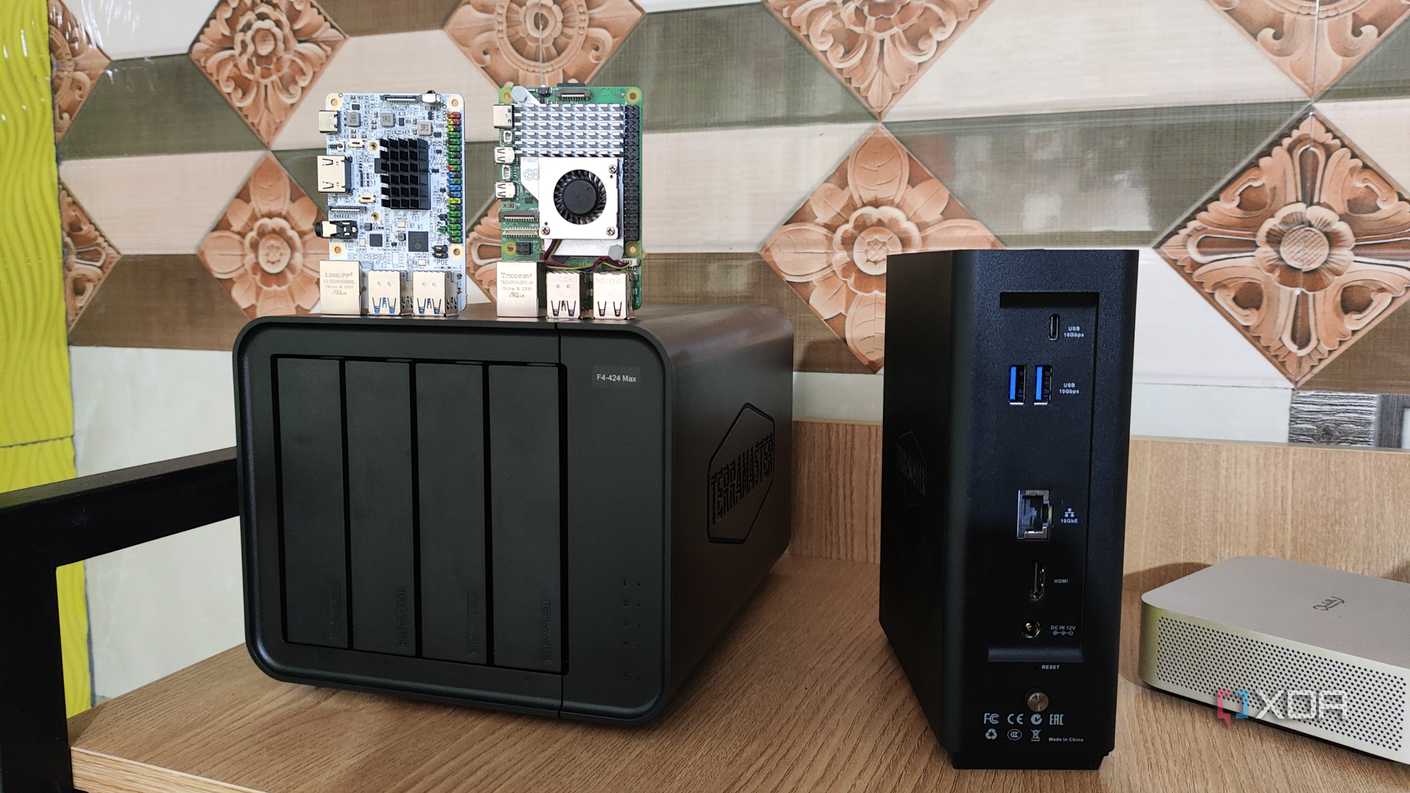


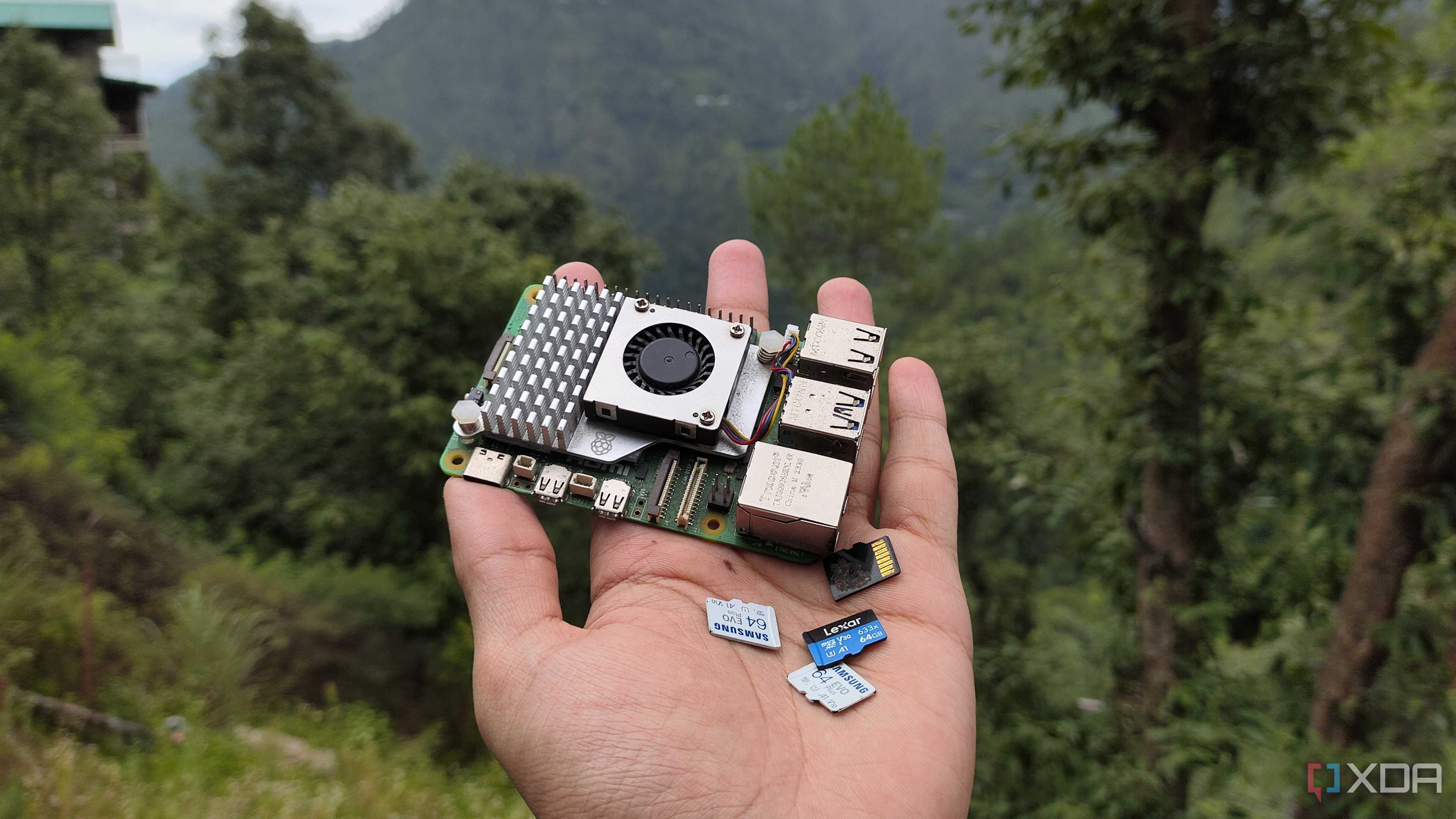
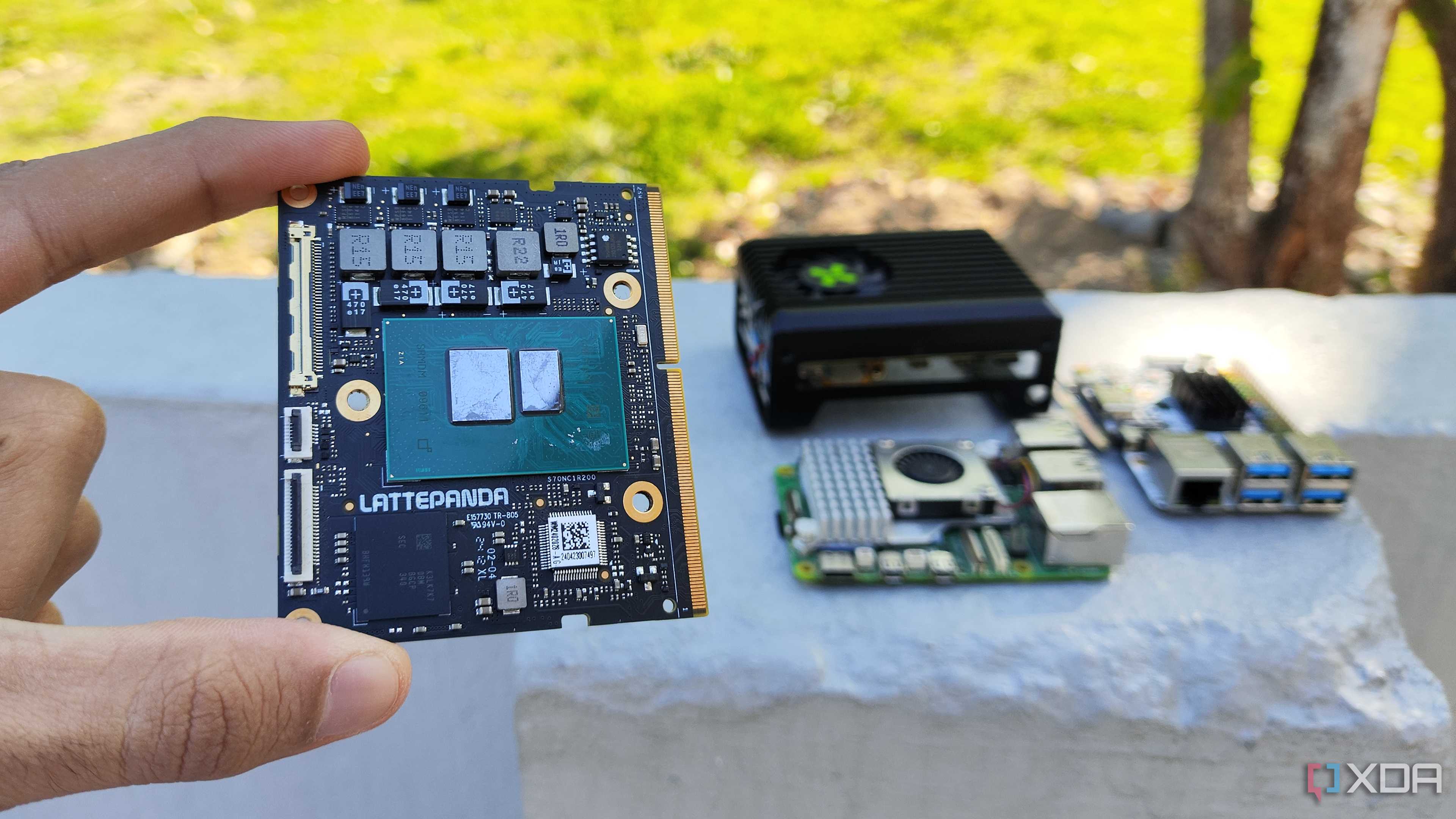
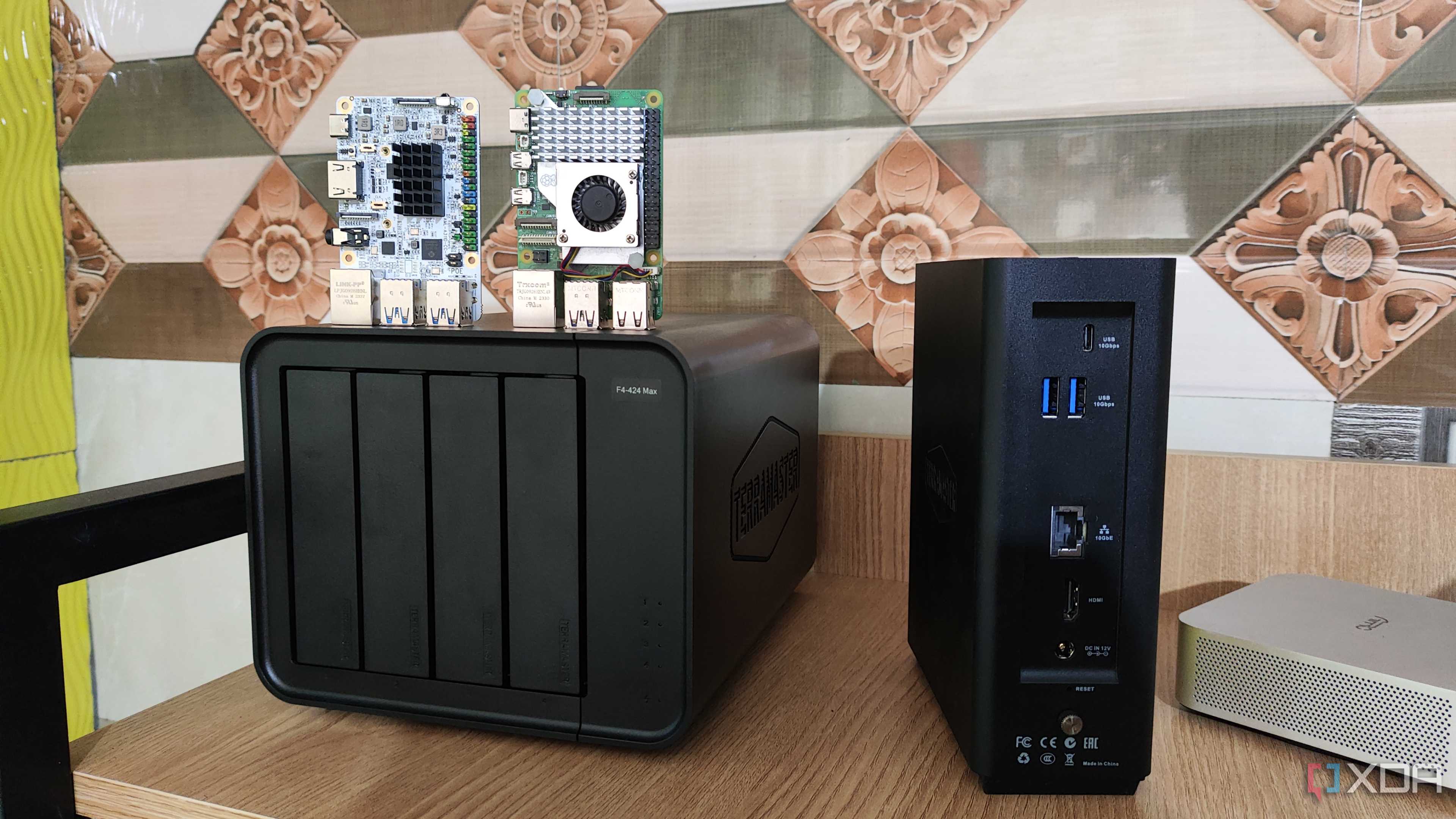



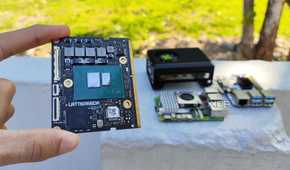



I’ve been acquainted with virtualization projects for a long time, and the resource-hungry nature of VMs always made me imagine self-hosting workstations as hardcore server PCs with overkill hardware. What I didn’t realize was that you’ll mostly be using containers when running services on local devices. Since containers share the same kernel as their host OS, these environments are extremely lightweight compared to their virtual machine siblings.
In fact, you don’t even need a powerful system to deploy containers. Single-Board Computers like the Raspberry Pi series are more than enough to run several containers, and the same holds true for dinosaur PCs. And I say that as someone who uses multiple SBCs and outdated laptops for my LXCs and Docker/Podman containers. Sure, certain GPU-heavy services – including local LLMs and transcoding features – may require decent hardware. But for the majority of self-hosted tools, you can get away with a modest system.
You’ll need quite a bit of storage though
Especially for services involving massive volumes of data

In stark contrast to the processing prowess of self-hosting workstations, you’ll need quite a bit of storage to run a handful of containers. Many of the popular self-hosted FOSS applications tend to involve huge amounts of data. Frigate, for example, can generate a few GBs of footage every day, while Jellyfin is designed to help you manage datasets worth of media collection.
The same holds for RomM, Immich, Calibre-Web, Kavita, and a handful of other data-hoarding services. Heck, even the seemingly lighter services such as Linkace, Nextcloud, and Home Assistant can end up occupying a lot of storage space, and the last thing you’d want is to run out of HDD/SSD capacity in the middle of your self-hosting experiments. In case you’re wondering, then yes, I speak from experience.
Monitoring apps, backups, and proper documentation are borderline essential
Proper maintenance goes a long way


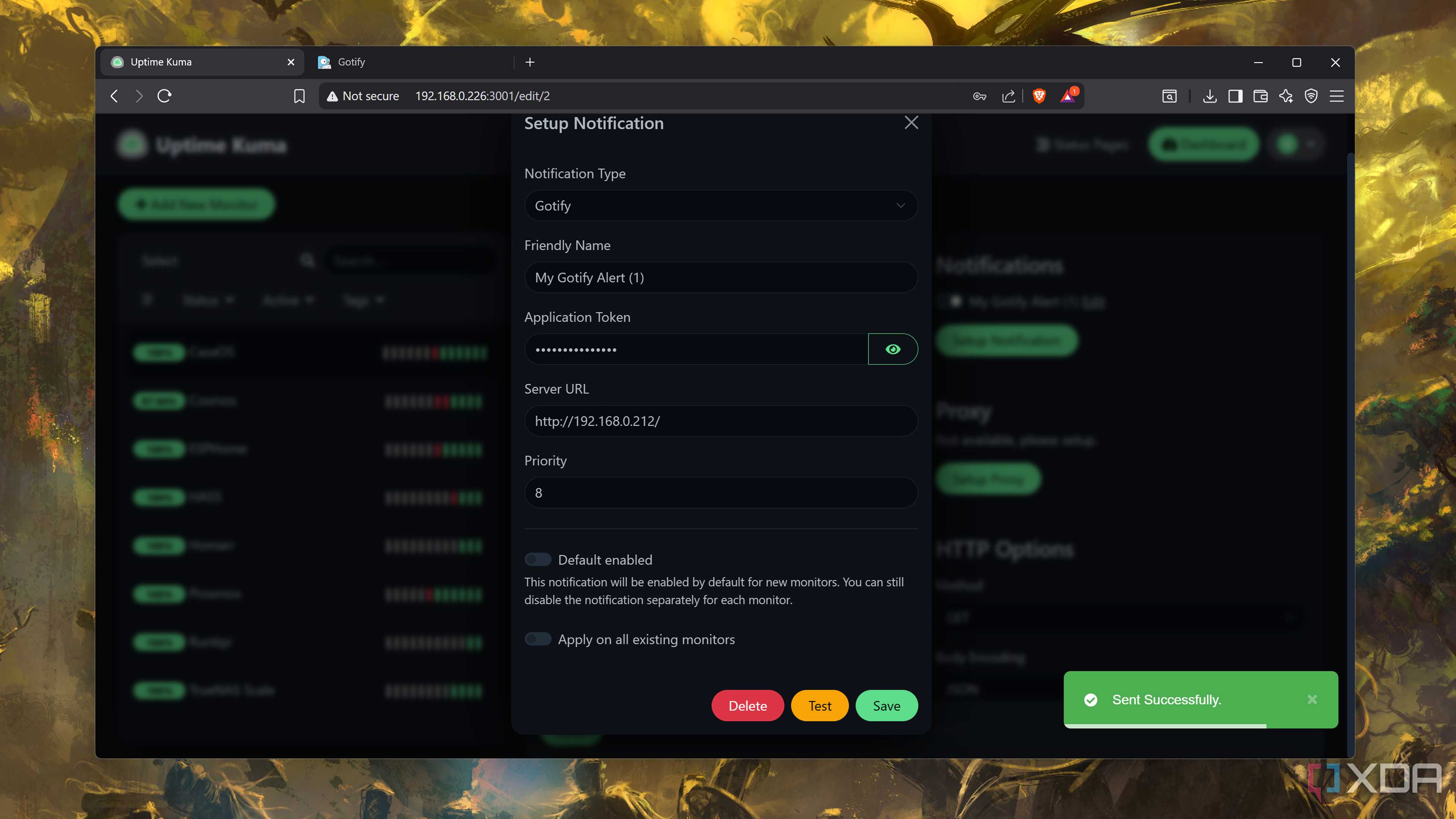

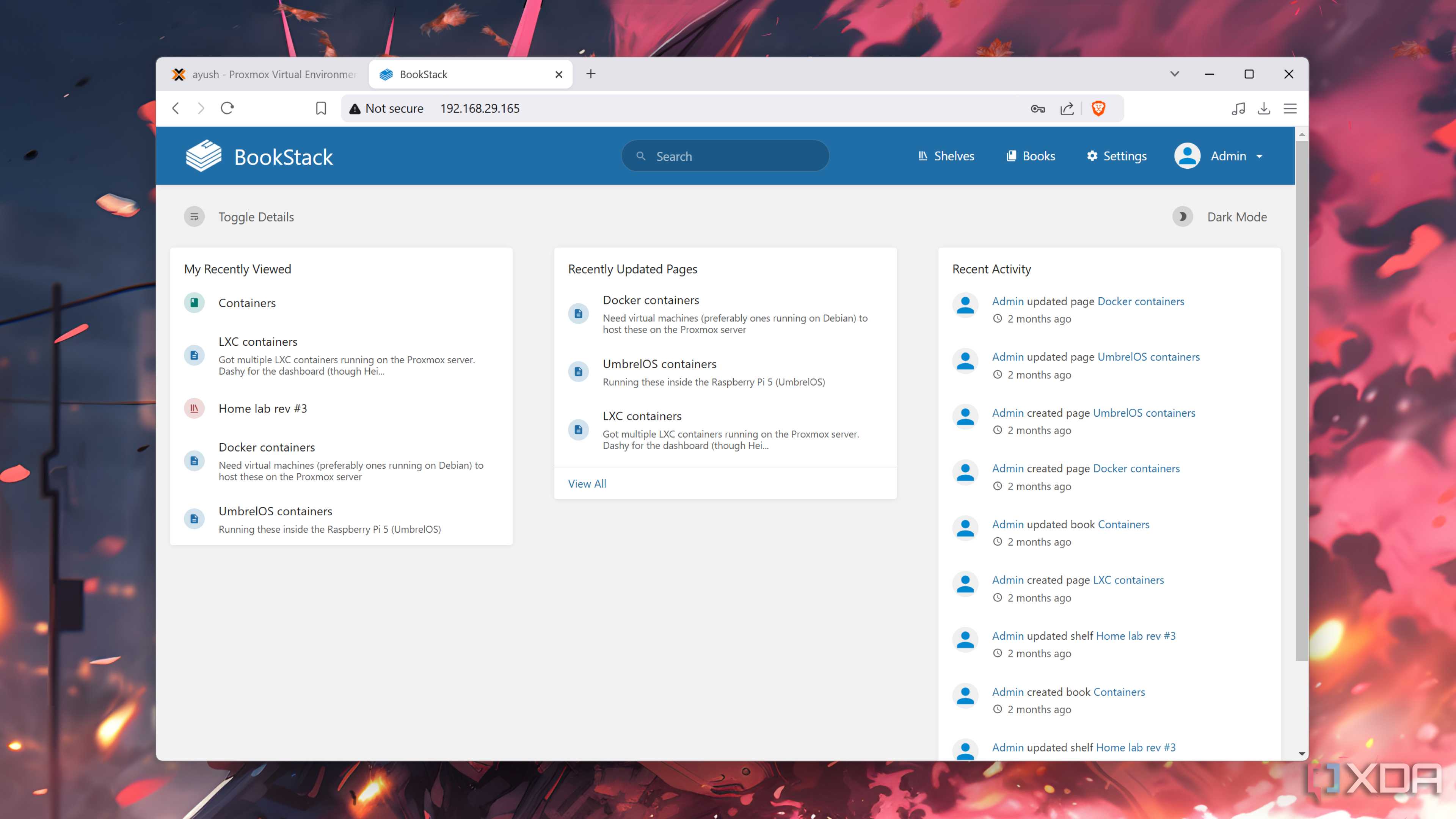

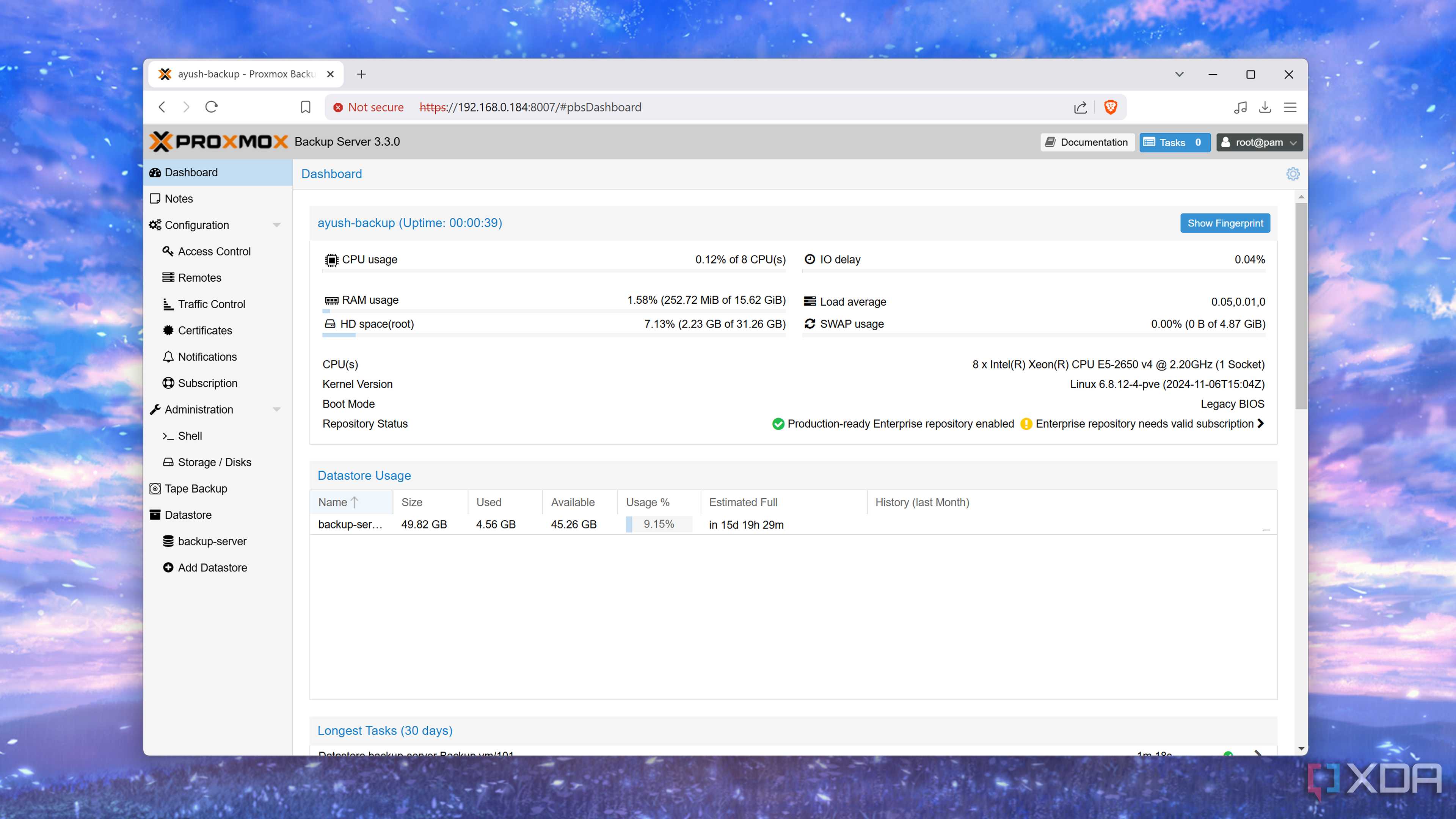



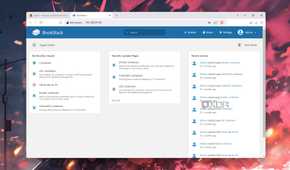

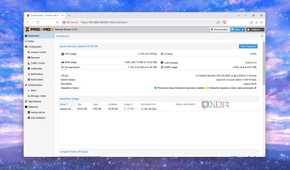
When I first got into self-hosting, I never understood the point of running additional services just to manage, monitor, and maintain other apps. But now that I’ve dealt with tons of freak accidents (some that were admittedly caused by my lack of knowledge), I can confirm that you’ll need proper maintenance utilities – especially once you’ve painstakingly built a collection of your favorite apps.
You’ve monitoring services, like Uptime Kuma and Beszel, which keep a weather eye on the health of your self-hosted apps and send alerts when a service goes offline. Documentation tools are just useful, and I have entire folders containing the unhinged notes I create when deploying services. And you should always have some form of backup in case everything goes wrong. That way, you won’t have to rebuild everything from scratch.
Updating your self-hosted stack can be a pain
Tread carefully around automated updates

While we’re on the subject of maintenance, container image updates are fairly common in the self-hosting ecosystem. Unfortunately, the update process for containers can be rather tedious. Once you’ve downloaded the updated image, you’ll have to safely close a container, delete it, and use the freshly pulled image to spin up a new one in its place. For a couple of containers, it might not be a major issue. But when you’ve got dozens of services, manually updating them becomes a boring chore.
Automated services like Watchtower can facilitate the updation process, though they have their own Achilles’ heel. Broken images can end up in official repositories occasionally . Since automation platforms can’t identify whether the images are functional, they could update the container with faulty packages, rendering it unusable.
My solution involves configuring the automation platform to send alerts when updates are available. That way, I can sift through the forums to check for broken images before giving the automation utility the A-OK to update my container suite.
The upfront costs of a new setup can be somewhat high
But you’ll save more in the long run

Although you don’t need a beefy server to get into self-hosting, there can be a bit of an upfront cost when setting up a workstation to deploy FOSS apps. If you don’t have a spare PC lying around, something as inexpensive as an SBC can still require an investment of $60-100 – and the price goes up to $250-300 when you start looking at a NAS system. Throw in the cost of storage drives and the spike in energy bills caused by server nodes, and self-hosting can seem like an expensive endeavor.
But as long as your electricity bills aren’t in the red, running services locally will benefit you in the long run. NAS units and mini-PCs can last at least a decade (if not more) with proper care, and modern hardware is quite energy efficient. I’ve already removed most of my online subscriptions, including Microsoft, Google One, and YNAB, and have yet to face any issues with their self-hosted counterparts.
Above all, it’s a fun and fulfilling hobby

Despite all the challenges I’ve faced and (somewhat painful) lessons I’ve learned over the course of my self-hosting journey, I have to admit that I had a lot of fun along the way. Sure, being woken in the middle of the night by my family when Jellyfin stops working is a pain. But the thrill of hosting FOSS services on my own hardware, free from the grubby, privacy-intrusive hands of large corporations, makes the trials and tribulations non-existent.
