Given a date and the task is to get the day and month of a year using JavaScript.
Approach:
- First get the current date by using new Date().
- Use getDay() method to get the current day in number format, Map it to the day name.
- Use getMonth() to get the current month in number format, Map it to the month name.
Example 1: In this example, the month and date is determined by the above approach.
<body>

    <h1 style="color:green;">
        GeeksForGeeks
    </h1>

    <p id="GFG_UP">
    </p>

    <button onclick="GFG_Fun()">
        click here
    </button>

    <p id="GFG_DOWN">
    </p>

    <script>
        var el_up = document.getElementById("GFG_UP");
        var el_down = document.getElementById("GFG_DOWN");

        el_up.innerHTML = "Click on the button to get "
                + "the day and month of the date.";

        var Days = ['Sunday', 'Monday', 'Tuesday',
                'Wednesday', 'Thursday', 'Friday', 'Saturday'];

        var Months = ['January', 'February', 'March', 'April',
                'May', 'June', 'July', 'August', 'September',
                'October', 'November', 'December'];

        var currentDay = new Date();

        // Get the current day name
        var day = Days[currentDay.getDay()];

        // Get the current month name
        var month = Months[currentDay.getMonth()];

        function GFG_Fun() {
            el_down.innerHTML = "Day - " + day
                    + ",<br> Month - " + month;
        }
    </script>
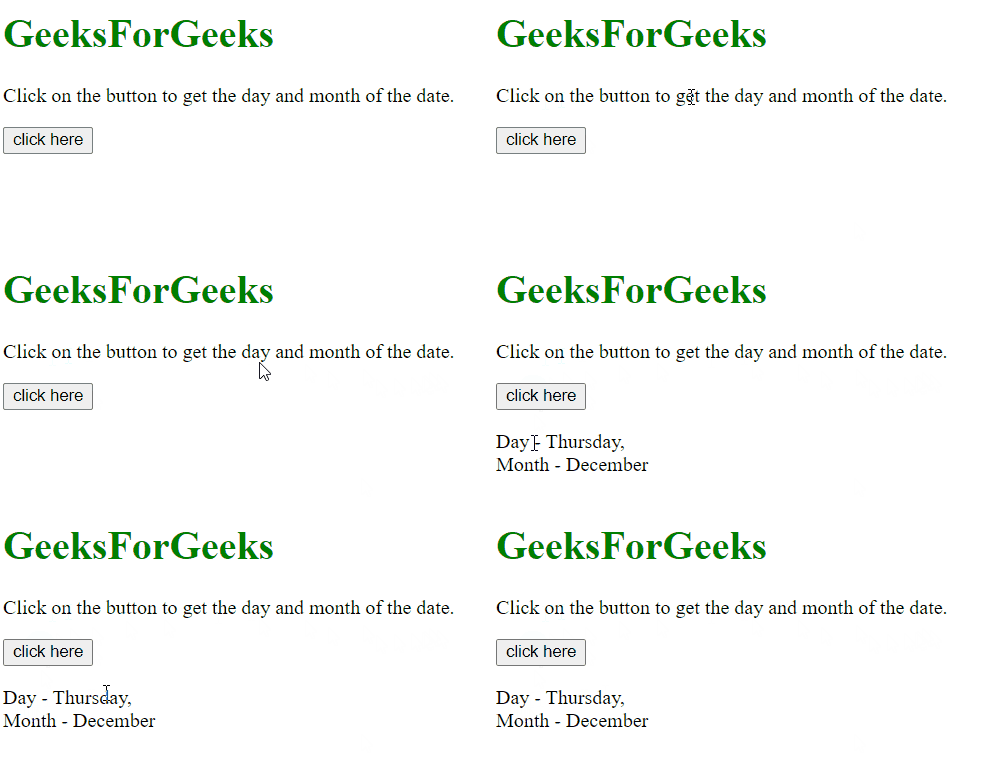
</body>
Output:
Example 2: This is same example but with a different approach. In this example, the month and date is determined by the above approach.
<body style = "text-align:center;">

    <h1 style = "color:green;" >
        GeeksForGeeks
    </h1>

    <p id = "GFG_UP" style =
        "font-size: 19px; font-weight: bold;">
    </p>

    <button onclick = "GFG_Fun()">
        click here
    </button>

    <p id = "GFG_DOWN" style =
        "color: green; font-size: 24px; font-weight: bold;">
    </p>

    <script>
        var el_up = document.getElementById("GFG_UP");
        var el_down = document.getElementById("GFG_DOWN");

        el_up.innerHTML = "Click on the button to get the "
                    + "day and month of the date.";

        var currentDay = new Date();

        // Get the current day name
        var day = currentDay.getDay();

        // Getting the current month name
        var month = currentDay.getMonth();

        function GFG_Fun() {
            el_down.innerHTML = "Day - " + day +
                    " Where, Monday is 1,<br> Month - "
                    + month +" Where, January is 0.";
        }
    </script>
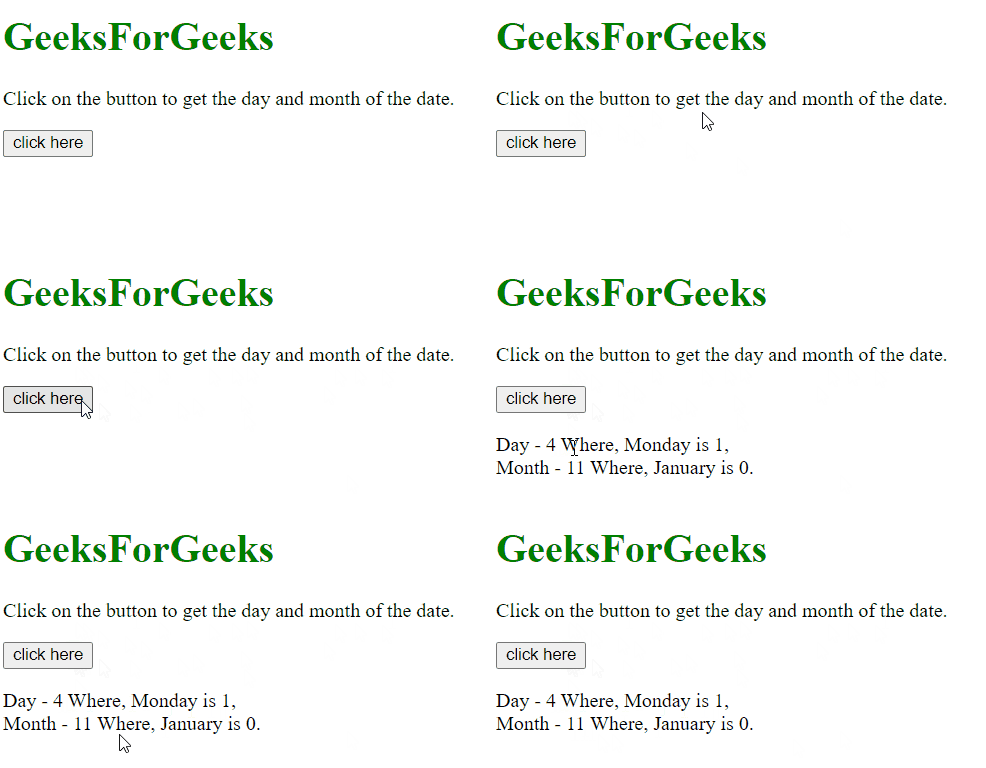
</body>
Output: