iPlay-Lists
Your playlists.
Reimagined for Apple devices.
A premium experience across iPhone, iPad, Apple TV, Mac and Apple Vision Pro.
This interactive scene is provided by Spline, which receives your IP address.
3D Experience
Powerful features.
Zero compromises.
Everything you need for the ultimate media experience.
Google Cast Support
Send your media to any Chromecast device seamlessly
Apple CarPlay
Enjoy your music and radios on the road with CarPlay
iCloud Sync
Automatic synchronization across all your devices
M3U Playlists
Advanced support for your own M3U and M3U8 playlists
Movies & Series
Organize and watch your complete media library
Live TV & Radio
Play the live channels and radios from your own sources
Smart Artwork
Posters, metadata and cover art fetched automatically
Offline Downloads
Download your media for offline playback when your source allows it
Multi-Device Sync
Start on iPhone, continue on TV or Mac instantly
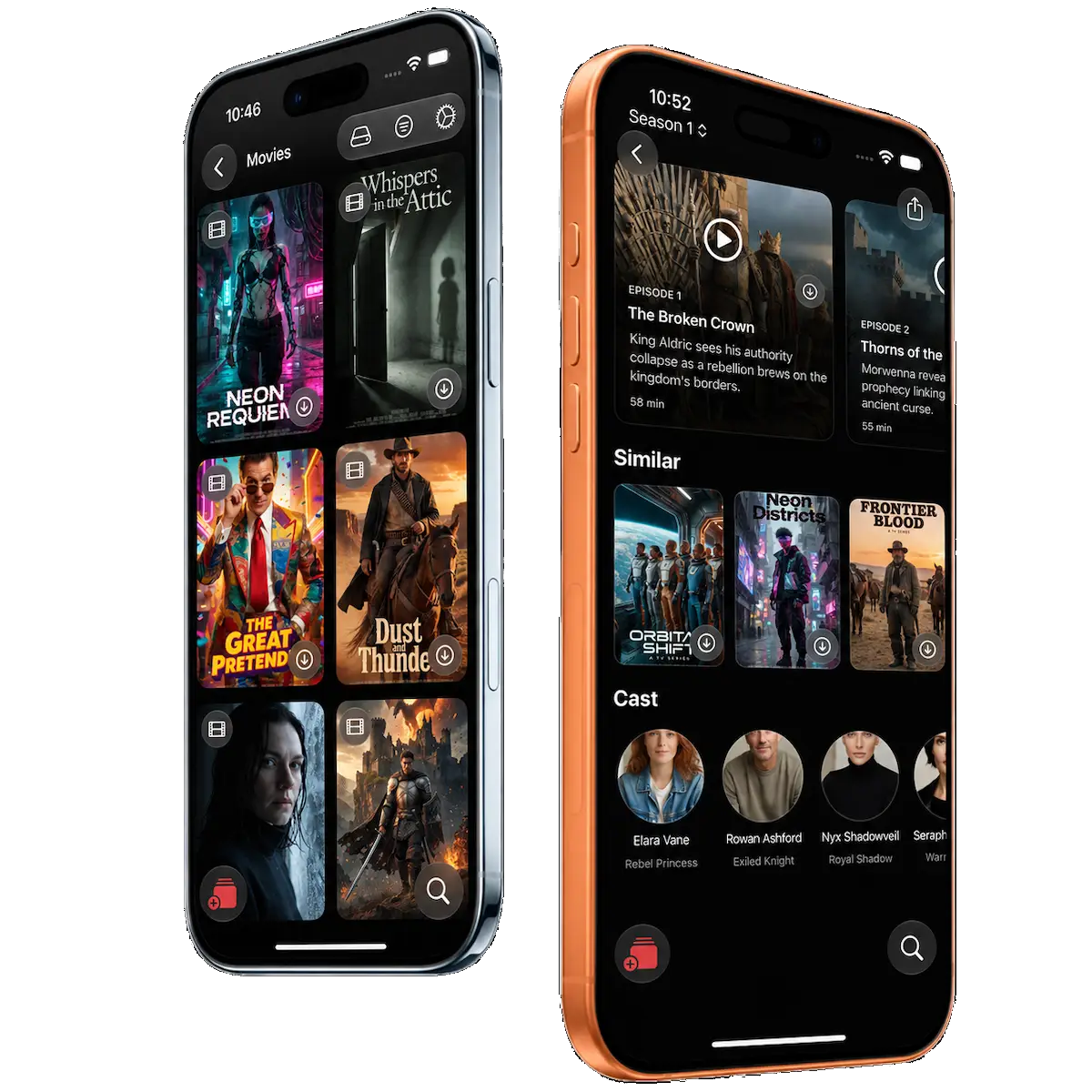
iPhone
Your media.
Right in your hand.
Browse playlists, explore series, discover artwork, and enjoy a beautifully fluid experience designed for iPhone.
Fast, elegant, and immersive — from your library to playback in just a few taps.
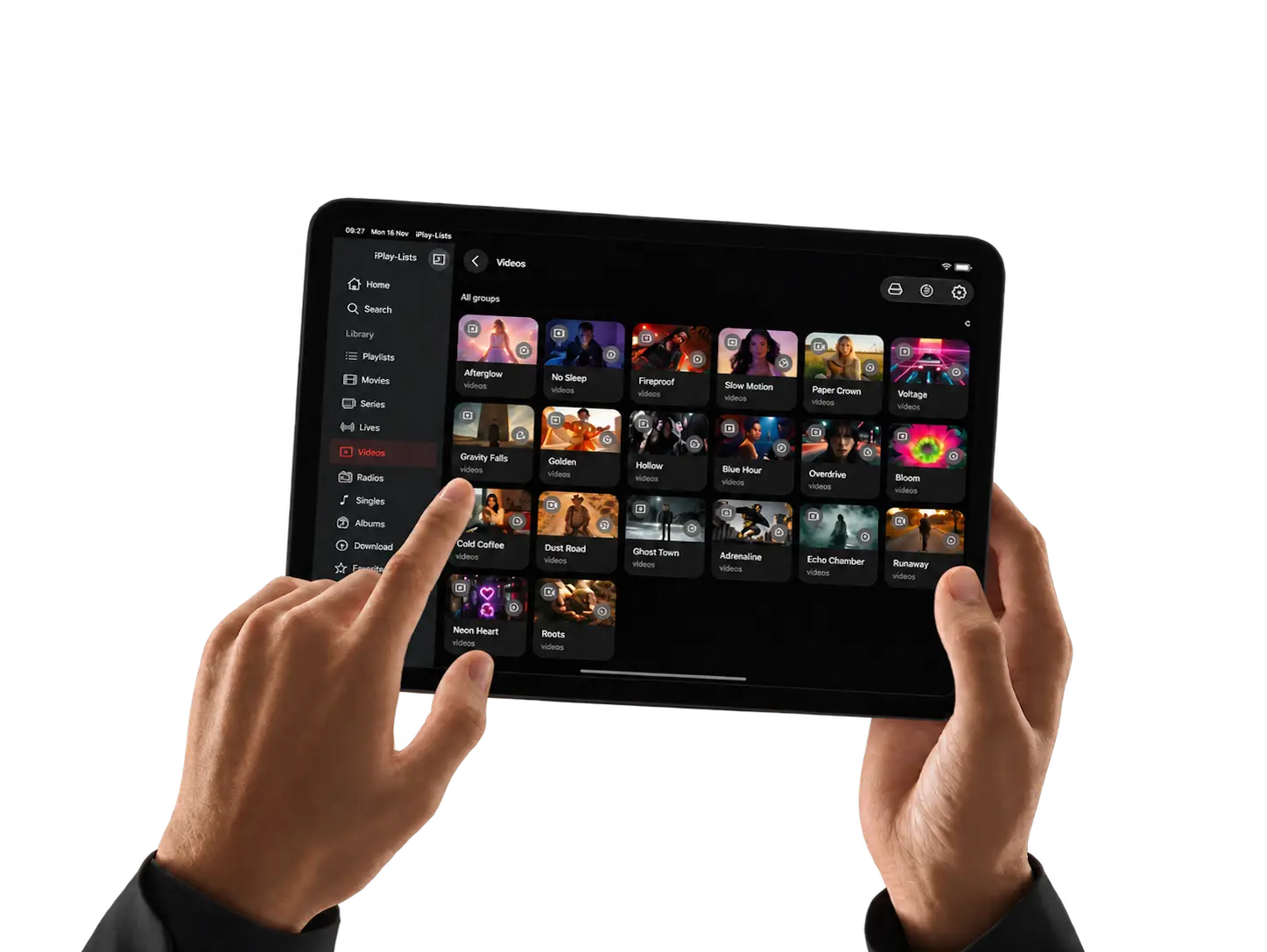
IPAD
Bigger canvas.
More room to explore.
Discover your playlists, browse rich artwork, and enjoy a spacious experience designed to feel immersive on iPad.

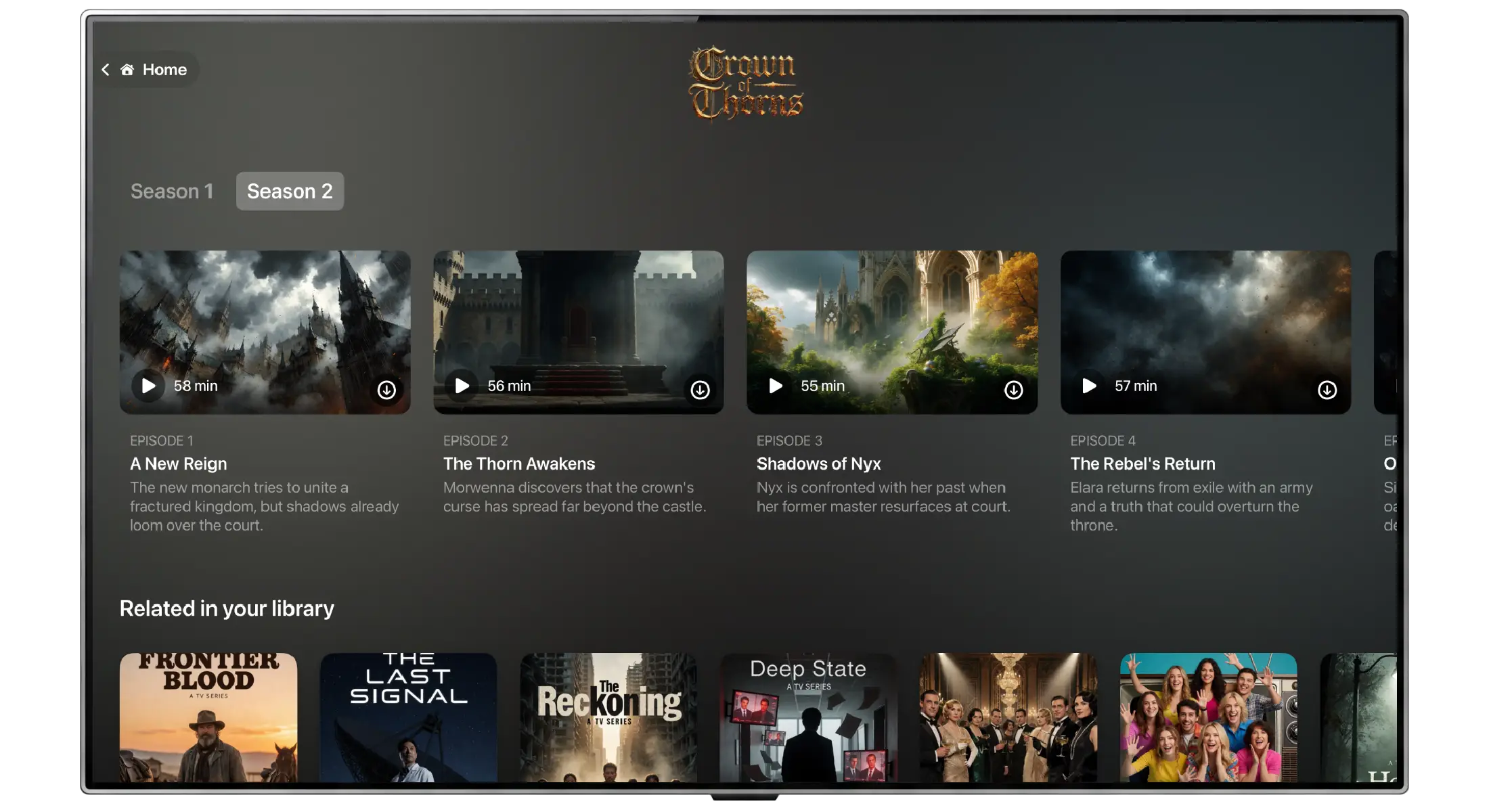
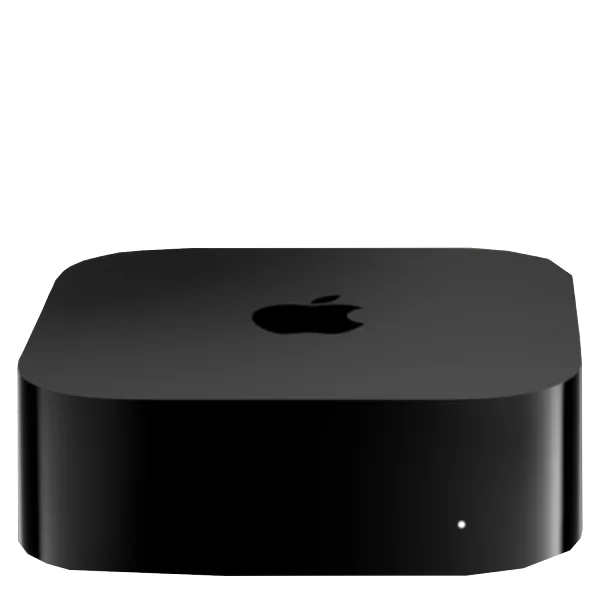
APPLE TV
Big screen.
Cinematic control.
Bring your playlists, series, movies and live channels to the biggest screen in your home with a premium Apple TV experience.
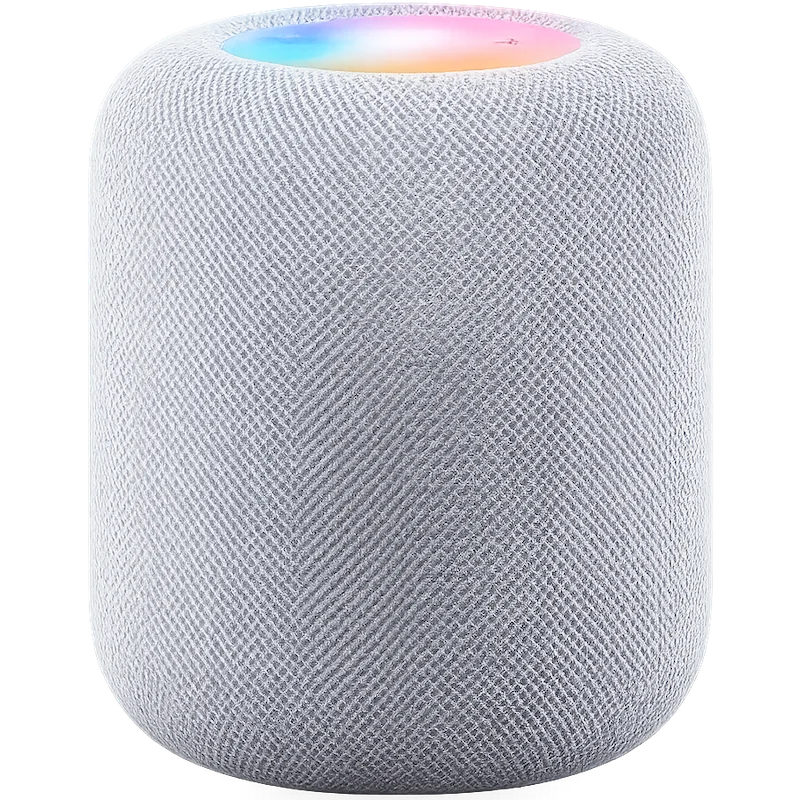
APPLE WATCH
Your media.
On your wrist.
Control playback, manage downloads and stay connected to your content instantly with iPlay-Lists on Apple Watch.

 APPLE WATCH
 IPHONE
 APPLE TV

Take control of your music with iPlay-Lists on Apple Watch. Instantly switch between your iPhone and Apple TV to match your moment.
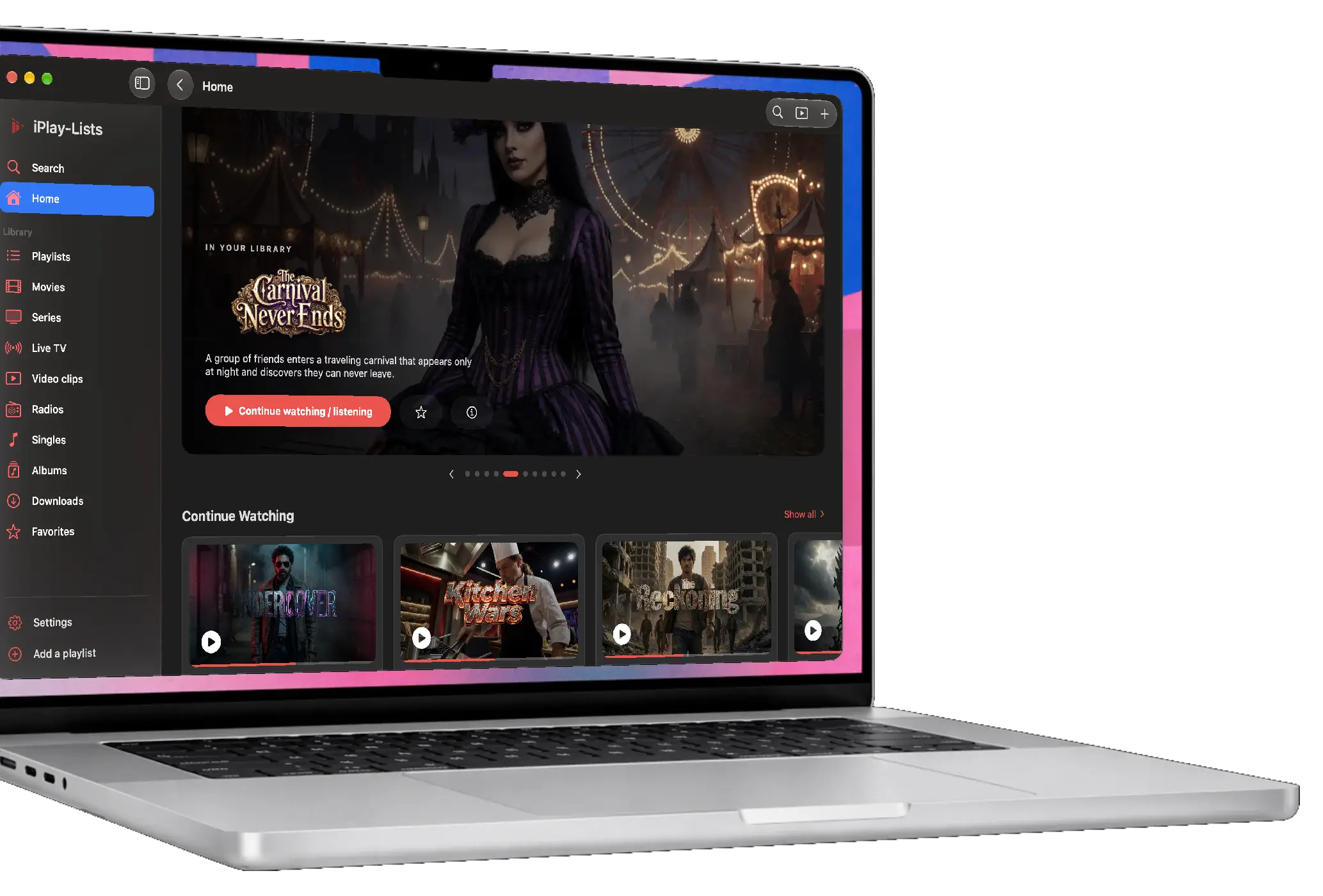
MAC
Desktop power.
Full control.
Manage playlists, organize your library, and explore your content with a spacious desktop experience built for Mac.
Fast navigation, elegant browsing, and powerful control — all in a premium interface designed to feel at home on macOS.
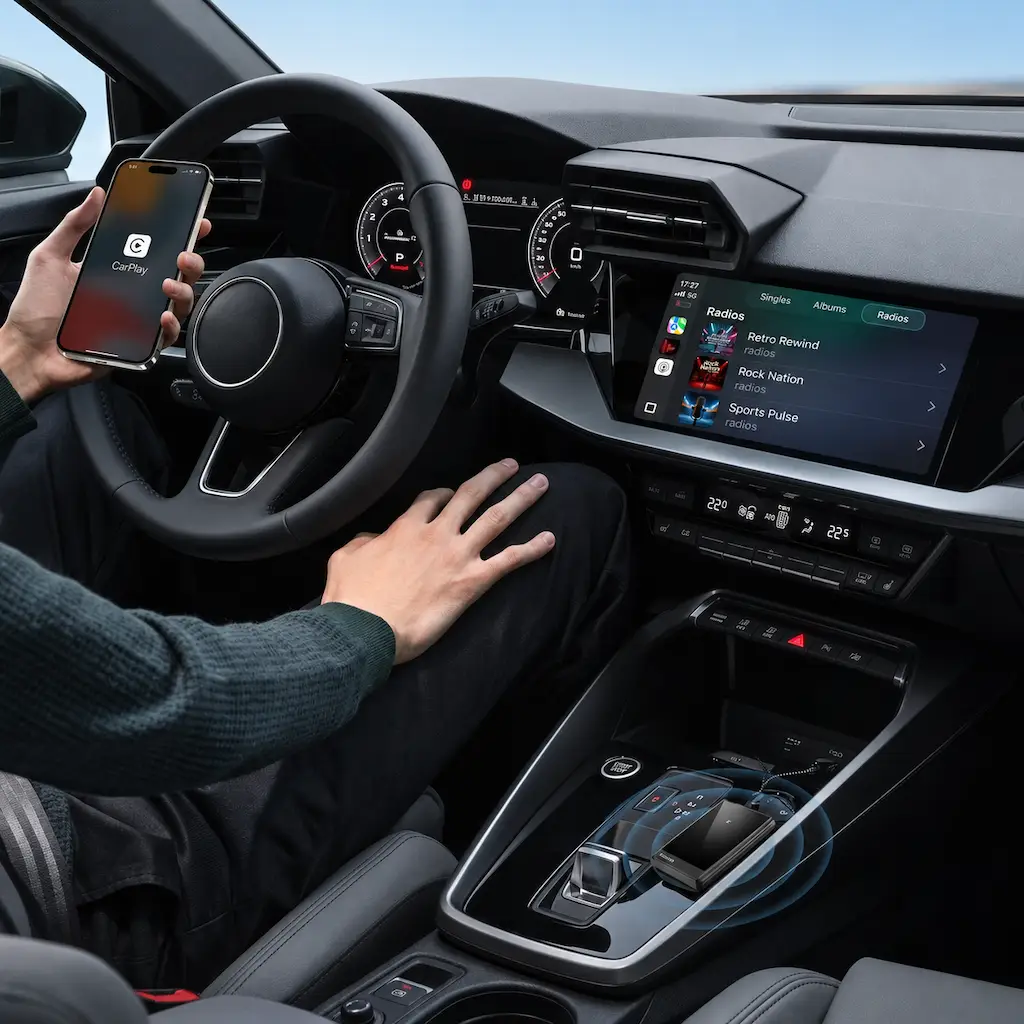
CARPLAY
Drive with
your playlists.
Keep your music close, access your media quickly, and enjoy a smarter in-car experience designed to feel effortless with CarPlay.
Clean, fast, and beautifully integrated — so your content is ready when the road begins.
A multimedia player for your own playlists
iPlay-Lists imports, organizes and plays your own M3U and M3U8 playlists on iPhone, iPad, Apple TV, Mac, Apple Vision Pro, Apple Watch and CarPlay. Movies, series, live channels, radio and music are sorted automatically, and your library syncs through iCloud.
Frequently asked questions
What is iPlay-Lists?
iPlay-Lists is a multimedia player and playlist manager for the Apple ecosystem. It organizes and plays the M3U and M3U8 playlists and media sources that you already have.
Does iPlay-Lists provide channels, movies or IPTV subscriptions?
No. iPlay-Lists does not provide, sell or host any content, playlist or channel. You add your own lawful playlists and media sources.
Which devices are supported?
iPhone, iPad, Apple TV, Mac, Apple Vision Pro, Apple Watch and CarPlay. The app is available on the App Store.
Can I import an M3U or M3U8 playlist?
Yes. M3U and M3U8 playlist management is a core feature. Entries are sorted into movies, series, live channels, videos, radio and music.
Does iPlay-Lists sync between my devices?
Yes. When you turn it on, playlist data and preferences sync through your private Apple iCloud account.
Does iPlay-Lists support Google Cast or AirPlay?
Yes. You can cast compatible media from iPhone to Google Cast or Chromecast devices. iPlay-Lists 3.0 adds AirPlay and Picture in Picture.
Is iPlay-Lists free?
The app is free to download and may show advertising. Premium, sold through Apple in-app purchases, removes ads and unlocks extra features. A subscription never includes media content. Current prices are shown on the App Store.
How can I try iPlay-Lists 3.0?
iPlay-Lists 3.0 is in TestFlight beta on iPhone, iPhone Duo, iPad, Apple Watch and CarPlay. You can ask to join on the iPlay-Lists TestFlight page. Version 2.1 is available on the App Store.
