



在鸿蒙(HarmonyOS)系统中使用ArkTS开发中,window(窗口)模块是实现多窗口管理、灵活交互和系统资源优化的核心机制,尤其对需要复杂交互(如分屏、悬浮操作)或跨设备适配的应用不可或缺。
同时,使用window来承载UI组件的展示及交互,具备更好的独立性,更适合于三方库中的UI组件的实现,减少对于宿主App的UI环境的依赖。
本篇内容是《精通HarmonyOS NEXT :鸿蒙App开发入门与项目化实战》这本书第7章内容的延续,是咱这本书读者的福利,内容以window组件的使用为主体,包括按ruoterName加载页面、window间通过共享LocalStorage传递参数。
对本书感兴趣的同学可以点击以下链接进行购买,及参加 我的班级(华为官方)共同学习

往期福利:
《精通HarmonyOS NEXT :鸿蒙App开发入门与项目化实战》读者福利博文目录,点击查看
1.创建示例工程及基础配置
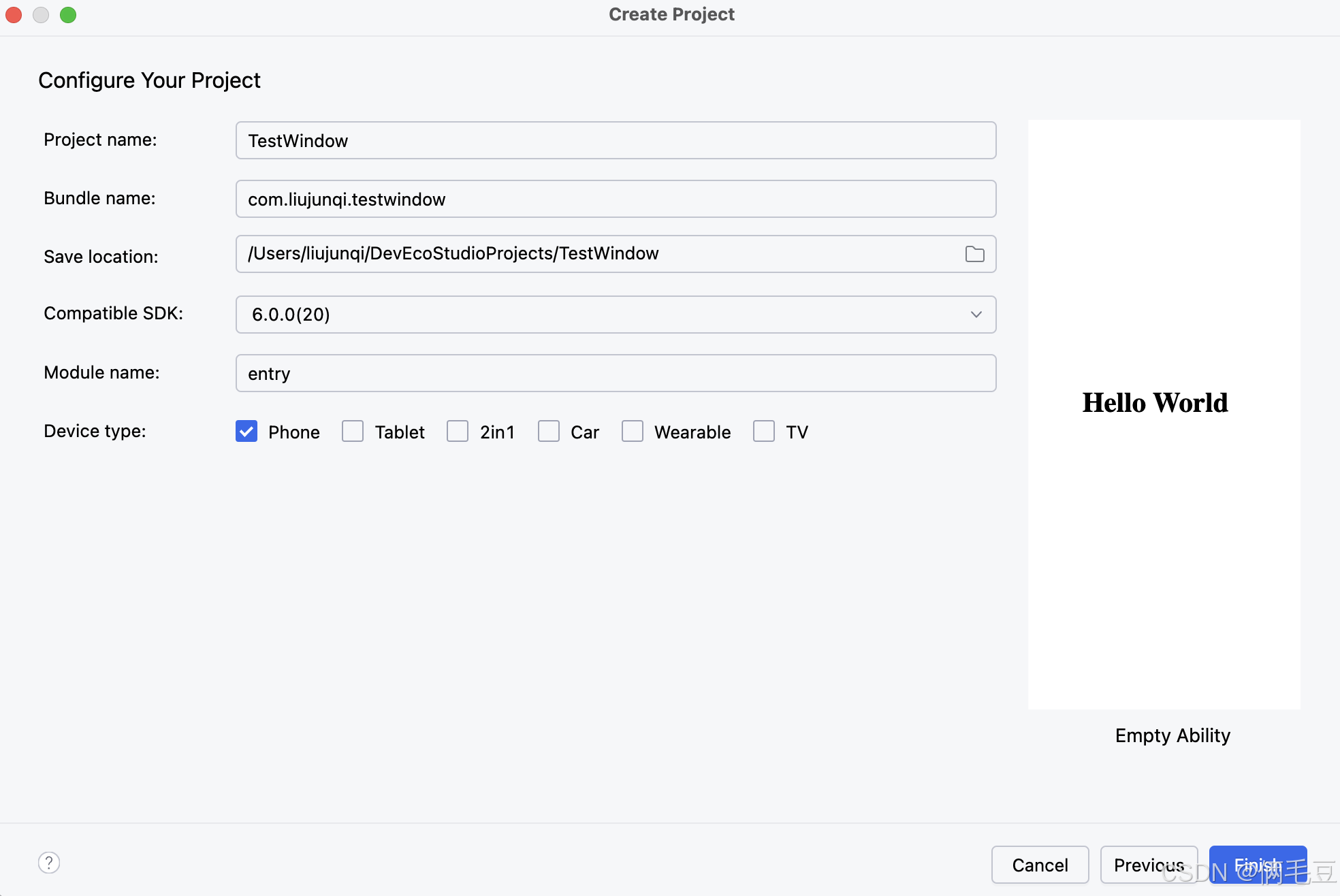
在开始之前,我们创建一个名称为TextWindow的工程,如下图所示
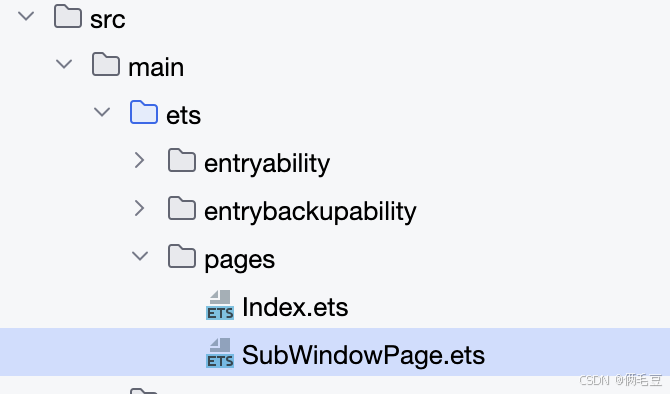
之后在工程中,创建子窗口所需要加载的页面SubWindowPage,如下图所示
在main_pages.json中增加SubWindowPage的路径。如下图所示
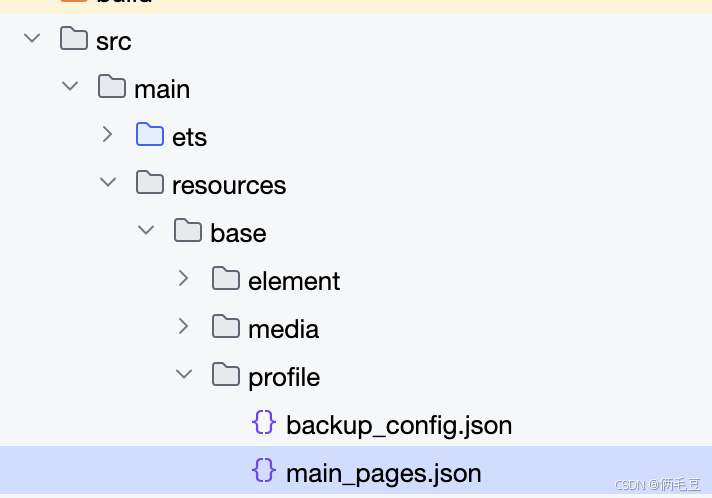
内容为
{
"src": [
"pages/Index",
"pages/SubWindowPage" // 新增
]
}
2.实现子窗口页面展示及关闭
因本实例需要使用路由名称加载子窗口的页面,我们将路由名称LocalStoage伟递的参数名在SubWindowPage文件中定义。之后实现子窗口加载的页面,在SubWindowPage中实现以下代码,在该页面中实现用户可点击 回到父窗口按钮,关闭子窗口返回父窗口的能力。先取取子窗口的实例,之后调和该实例的destroyWindow方法销毁子窗口,之后对AppStorage中的子窗口实例进行置空操作。
import { window } from '@kit.ArkUI';

// 子窗口实例
export const  subWindowInstance : string = 'subWindowInstance';
// 子窗口参数
export const  subWindowParam : string = 'subWindowParam';
// 子窗口页面的路由名称
export const subWindowPageName : string = 'subWindowPageName';
@Entry({routeName: subWindowPageName })
@Component
struct SubWindowPage {
  // 取出共享的Local存储
  localStorage:LocalStorage|undefined = this.getUIContext().getSharedLocalStorage();
  windowClass: window.Window = this.localStorage?.get(subWindowInstance) as window.Window;
  @State str:string = this.localStorage?.get(subWindowParam) as string;
  build() {
    RelativeContainer() {
      Button("回到父窗口" + this.str)
        .fontSize(40)
        .fontWeight(FontWeight.Bold)
        .alignRules({
          center: { anchor: '__container__', align: VerticalAlign.Center },
          middle: { anchor: '__container__', align: HorizontalAlign.Center }
        })
        .onClick(async() => {
          if (this.windowClass) {
            this.windowClass.destroyWindow((err) => {
              const errCode: number = err.code;
              // 更新子窗口实例
              this.localStorage?.setOrCreate(subWindowInstance, null);
              // 更新参数
              this.localStorage?.setOrCreate(subWindowParam, "俩毛豆返回");
              if (errCode) {
                console.error(`俩毛豆 Failed to destroy the window. Cause code: ${err.code}, message: ${err.message}`);
                return;
              }
              console.info('俩毛豆 Succeeded in destroying the window.');
            });
          }
        })
    }
    .height('100%')
    .width('100%')
  }
}
3.实现子窗口的创建,加载及存储
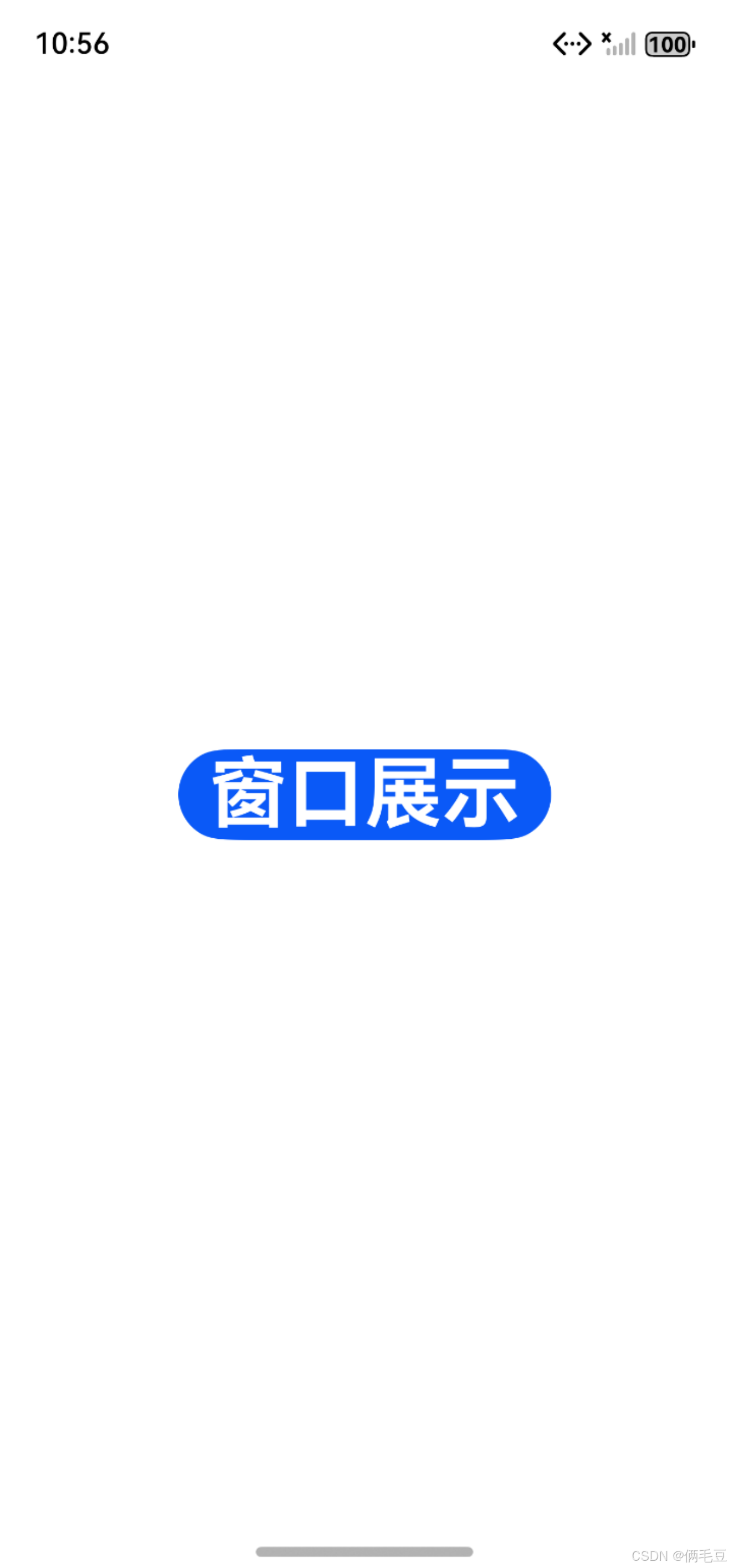
在工程的Index文件中,实现以下代码,在该页面中实现用户可点击 窗口展示 按钮,创建子窗口并加载SubWindowPage页面的能力。因为在SubWindowPage中需要实现关闭window的操作,故在Index中创建一个LocalStorage,并将当前创建的window实例存储至LocalStorage中。同时,也传入参数
import { window } from '@kit.ArkUI';
import { subWindowInstance, subWindowPageName, subWindowParam } from './SubWindowPage';

@Entry
@Component
struct Index {
  storage: LocalStorage = new LocalStorage();
  build() {
    RelativeContainer() {
      Button("窗口展示")
        .fontSize(40)
        .fontWeight(FontWeight.Bold)
        .alignRules({
          center: { anchor: '__container__', align: VerticalAlign.Center },
          middle: { anchor: '__container__', align: HorizontalAlign.Center }
        })
        .onClick(async() => {
          let subWindow: window.Window | undefined = undefined;
          let config: window.Configuration = {
            name: "testsub_window",
            windowType: window.WindowType.TYPE_DIALOG,
            ctx: this.getUIContext().getHostContext()
          };

          try {
            window.createWindow(config, (err, data) => {
              const errCode: number = err.code;
              if (errCode) {
                console.error(`俩毛豆 Failed to create the window. Cause code: ${err.code}, message: ${err.message}`);
                return;
              }
              subWindow = data;
              this.storage.setOrCreate(subWindowParam, "俩毛豆");
              this.storage.setOrCreate(subWindowInstance, subWindow);
              subWindow.loadContentByName(subWindowPageName,this.storage,()=>{
                const errCode: number = err.code;
                if (errCode) {
                  console.error(`俩毛豆 Failed to load the content. Cause code: ${err.code}, message: ${err.message}`);
                  return;
                }
                console.info('俩毛豆 Succeeded in loading the content.');
              });
              subWindow.showWindow();
              // let isLayoutFullScreen = false;
              // subWindow.setWindowLayoutFullScreen(isLayoutFullScreen);
              // subWindow.setSpecificSystemBarEnabled('status', !isLayoutFullScreen);
              // subWindow.setSpecificSystemBarEnabled('navigationIndicator', !isLayoutFullScreen);
              // 存储子窗口实例

              console.info('俩毛豆  Succeeded in creating the window. Data: ' + JSON.stringify(data));
            });
          } catch (exception) {
            console.error(`俩毛豆 Failed to create the window. Cause code: ${exception.code}, message: ${exception.message}`);
          }
        })
    }
    .height('100%')
    .width('100%')
  }
}
4.运行效果
编译运行示例工程,之后的App页面为主窗口,如下图所示
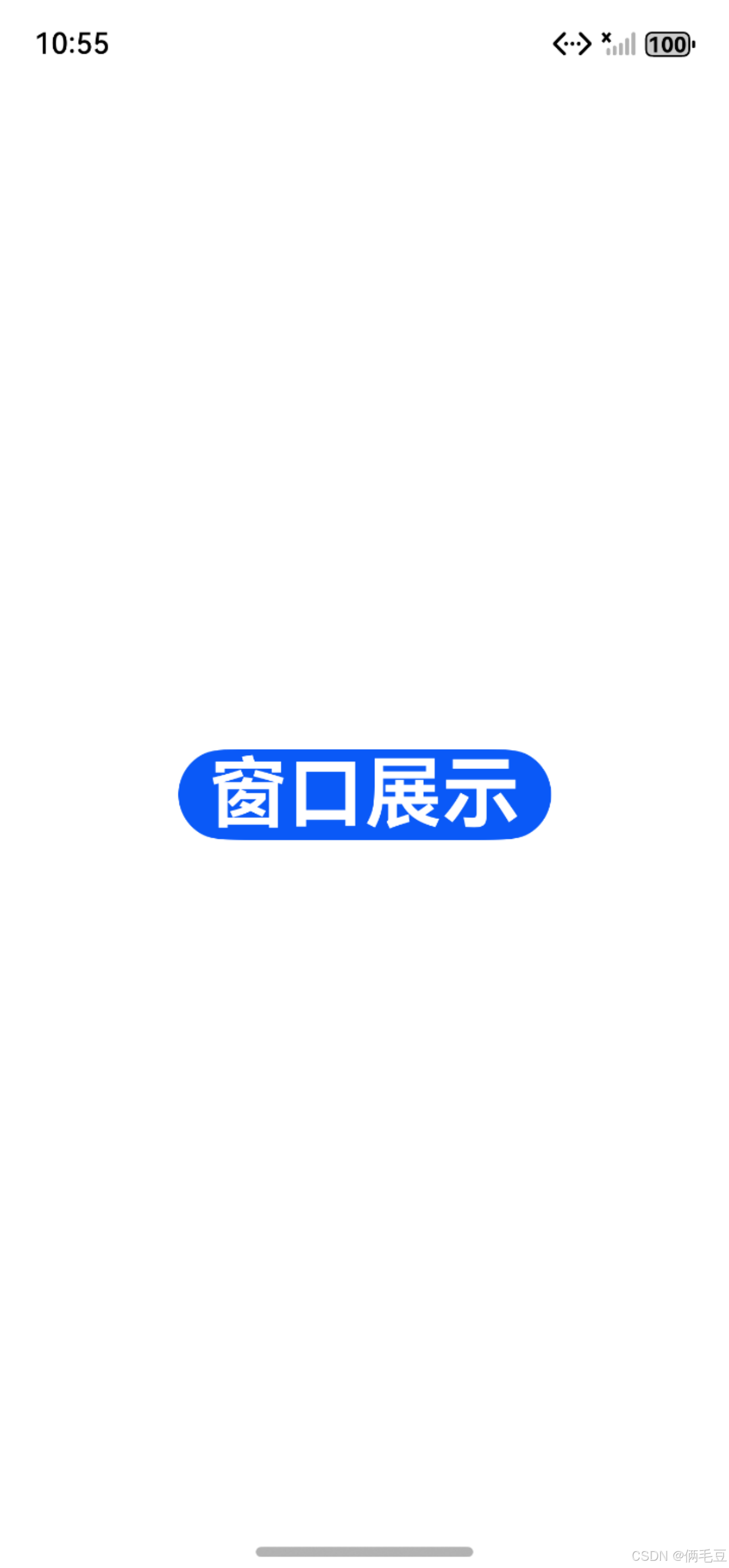
点击窗口展示后,进入子窗口,如下图所示

之后点击回到父窗口,就可回到主窗口页面
总结:
本文介绍了鸿蒙系统ArkTS开发中window模块的核心应用,重点讲解了多窗口管理的实现方法。通过示例工程演示了主窗口创建子窗口、加载指定页面以及子窗口关闭返回主窗口的完整流程。内容涵盖窗口创建(window.createWindow)、内容加载(setUIContent)和销毁(destroyWindow)等关键操作,以及使用AppStorage实现窗口实例的存储管理。文章提供了从工程创建到代码实现的详细指导,特别适合需要实现复杂交互或多窗口应用开发的鸿蒙开发者。
对本书感兴趣的同学可以点击以下链接进行购买,及参加 我的班级(华为官方)共同学习



 扫一扫
扫一扫


 1928
1928

 被折叠的 条评论
为什么被折叠?
被折叠的 条评论
为什么被折叠?
 到【灌水乐园】发言


